When you first set up a chronograph sport wristwatch, the time format is usually the first thing you want to change. This short guide shows you exactly how to switch your SKMEI 1628 men digital wristwatch between 12 hour and 24 hour time.
12 hour vs 24 hour on this wristwatch
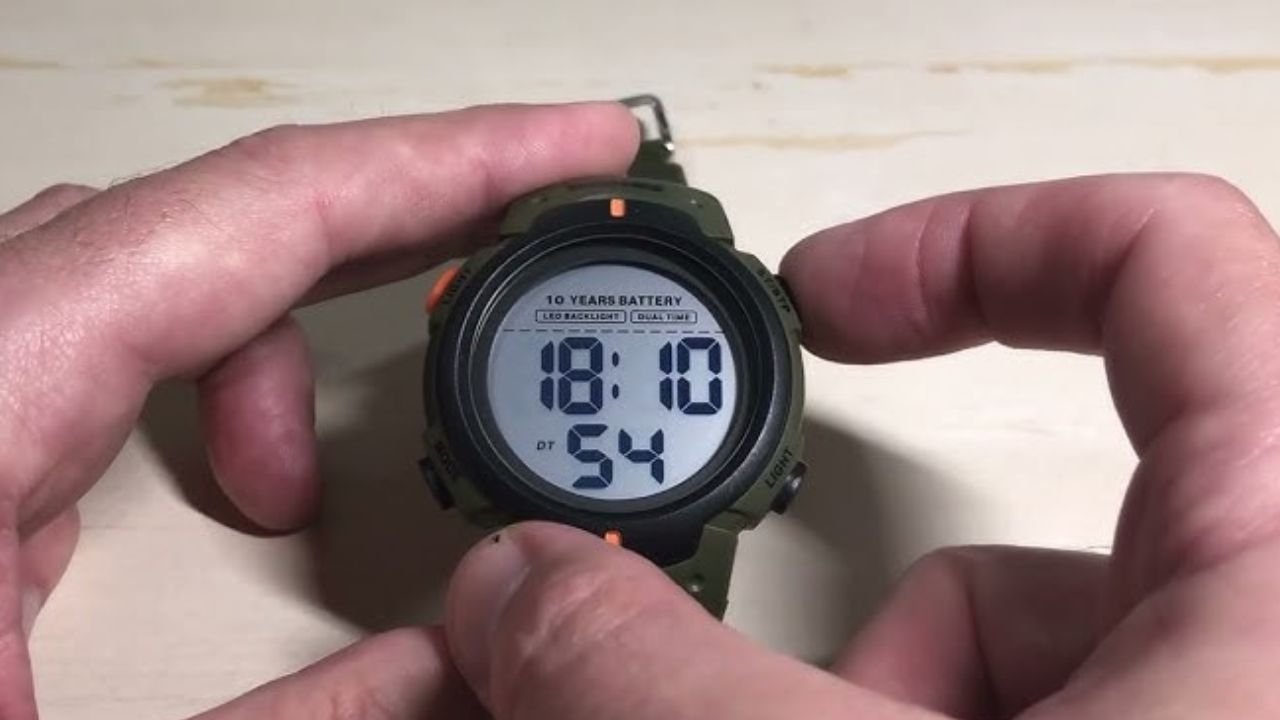
In 12 hour mode, this 12 24 hour wristwatch does not show any 24H icon on the screen, and you will see a PM indicator for afternoon and evening times. In 24 hour mode, a 24H mark appears on the display so you can clearly see that the chronograph sport wristwatch is using 24 hour time.
Steps to change the time format
- Make sure the wristwatch is in normal time mode and the seconds are counting.
- Press the bottom right button once to enter settings; the seconds start blinking.
- Press the top left button to toggle the 12 24 hour wristwatch format and check the 24H icon.
- Press the bottom right button again to save the setting and return to normal time display.
These same buttons are also used when you set other functions like the backlight stopwatch or alarm stopwatch watch, so the process will feel familiar once you have done it a few times.
ITSKMEI as your SKMEI distributor
ITSKMEI focuses on supplying genuine SKMEI models, including the SKMEI 1628 chronograph sport wristwatch, with clear parameter details and simple operation support for buyers in different markets. We understand common questions around 12/24 hour switching, alarms, and daily use on a men digital wristwatch, and we give direct, practical answers instead of vague descriptions.
Conclusion
Once you know the correct buttons, changing the time format on this 12 24 hour wristwatch is fast and easy to repeat. If you want to purchase the SKMEI 1628 chronograph sport wristwatch or get a quote for bulk orders, you can contact ITSKMEI so we can help you choose models and provide pricing that matches your needs.