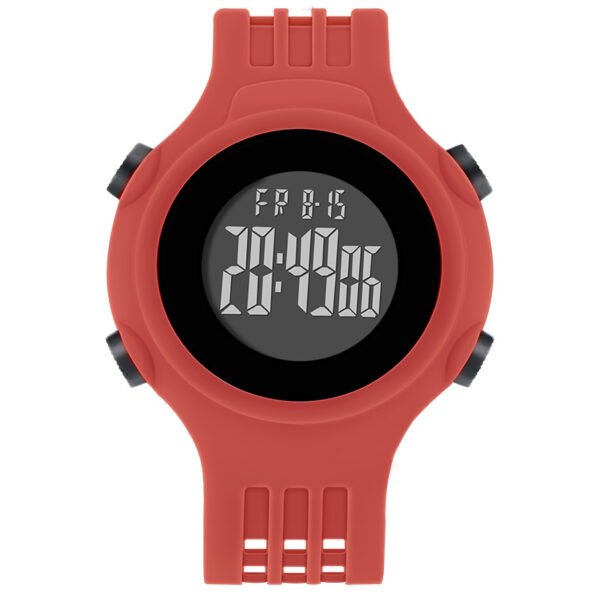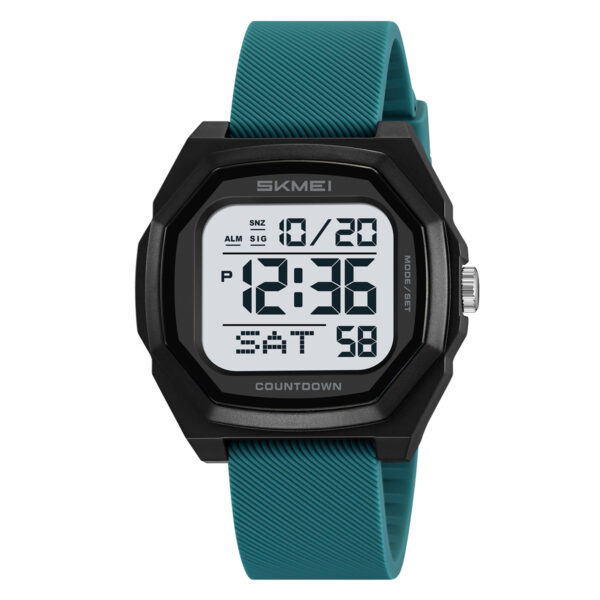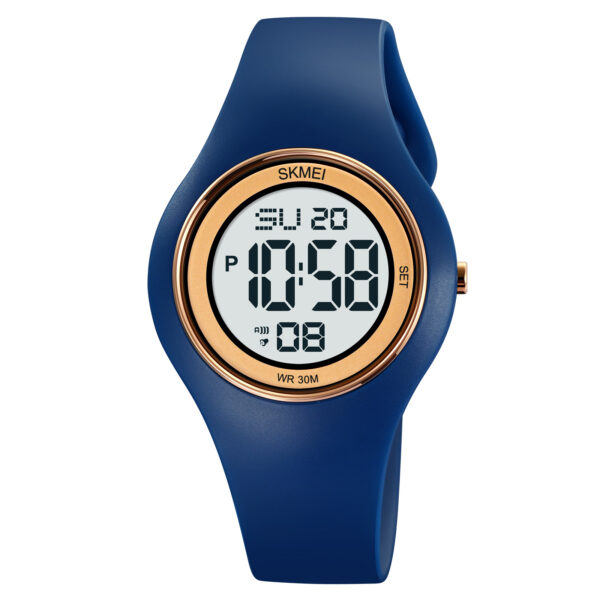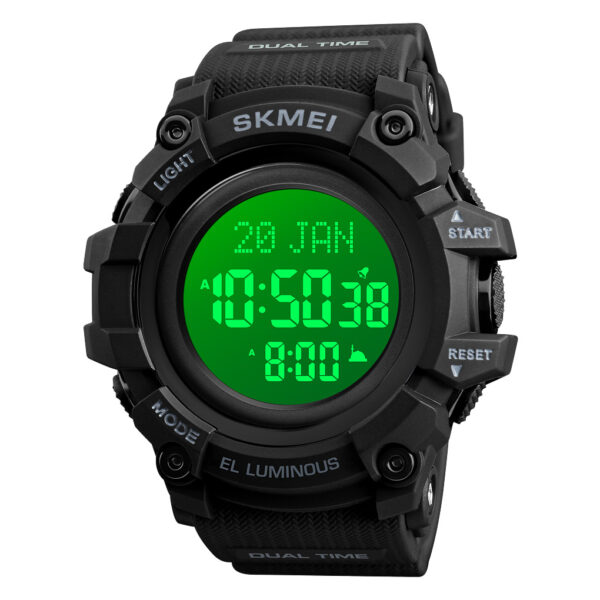
Owning an alarm digital wrist watch is convenient until you lose the manual. Resetting time, alarms, and other features often follows similar logic across different brands, but it can still be confusing. This guide simplifies the process.
Standard Reset Procedures
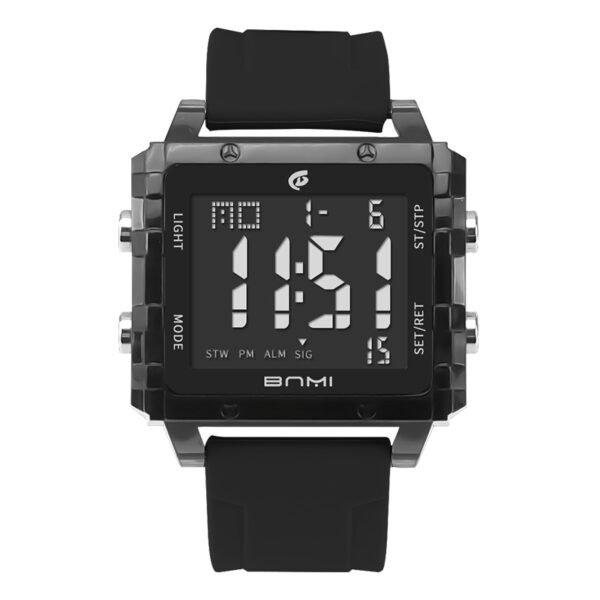
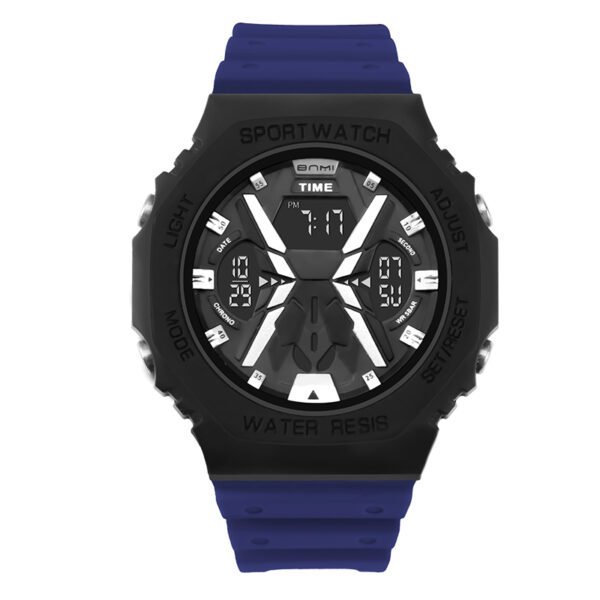
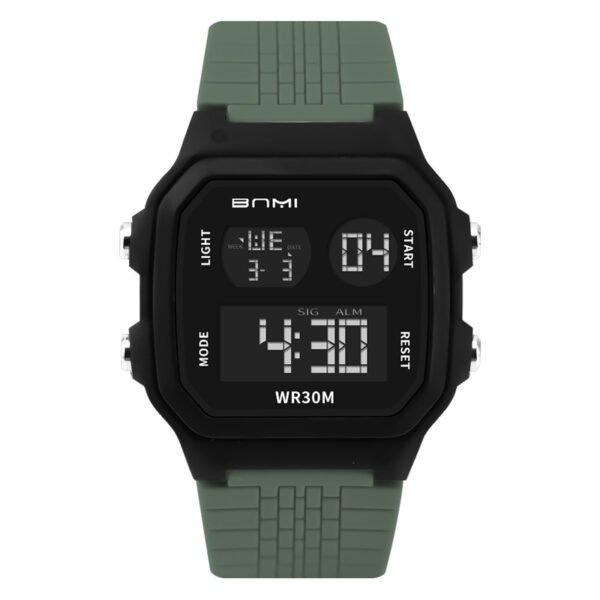
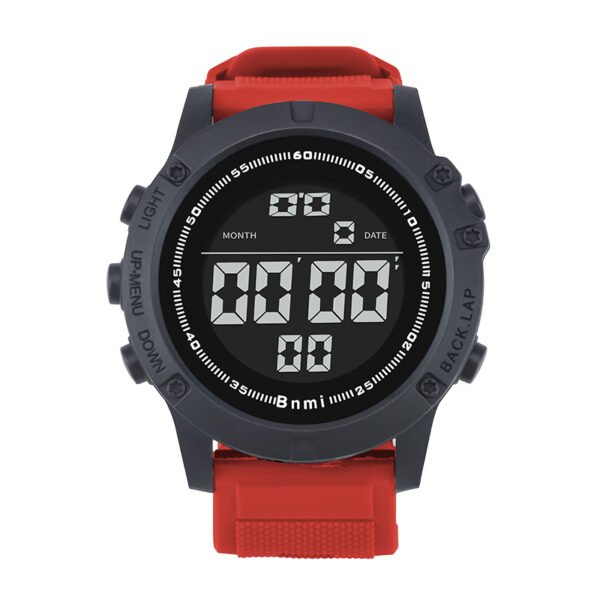
Most digital watches use a four-button configuration. The buttons are typically labeled Mode, Light, Start/Stop, and Reset. Knowing the common sequence helps you navigate even a cheap digital wrist watch without instructions.
Setting Time and Date
Usually, pressing the ‘Mode’ button three times enters the time-setting screen. The seconds digits will start flashing.
- Press ‘Reset’ to select minutes, hours, or date.
- Use ‘Start/Stop’ to adjust the flashing digits.
- Press ‘Mode’ again to exit and save.
Configuring the Alarm
Accessing the alarm usually requires pressing ‘Mode’ twice. You will see the current alarm time displayed.
- Press ‘Start/Stop’ to toggle the alarm on or off.
- Hold ‘Reset’ to start the digits flashing.
- Adjust time with ‘Start/Stop’.
- Ensure your digital alarm watch for men has the correct AM/PM setting.
Managing Advanced Features
Beyond basic timekeeping, many digital watches include useful tools that might need resetting.
Timers and Chronographs
A countdown timer digital watch feature is excellent for intervals. You typically enter this mode and use ‘Reset’ to set the desired duration before hitting start. If your lightweight digital watch acts erratically, a full reset might be needed, sometimes achieved by holding all four buttons simultaneously.
Why Choose ITSKMEI?
ITSKMEI is a verified wholesale distributor of SKMEI watches. We offer our customers advantages such as assurance of genuine watch products, dedicated technical support, streamlined shipping processes.
Conclusion
Mastering your alarm digital wrist watch settings ensures you get the most out of its features. By understanding the basic button functions, you can easily manage alarms and time settings on almost any model. If you are looking for reliable digital watches, contact ITSKMEI today for a quote.