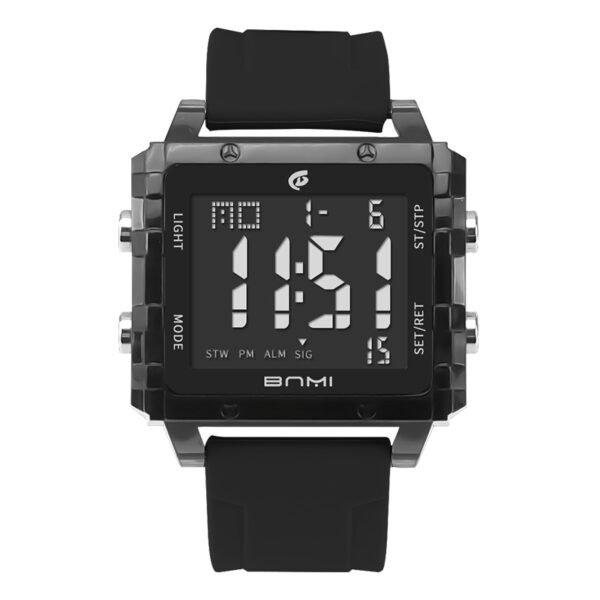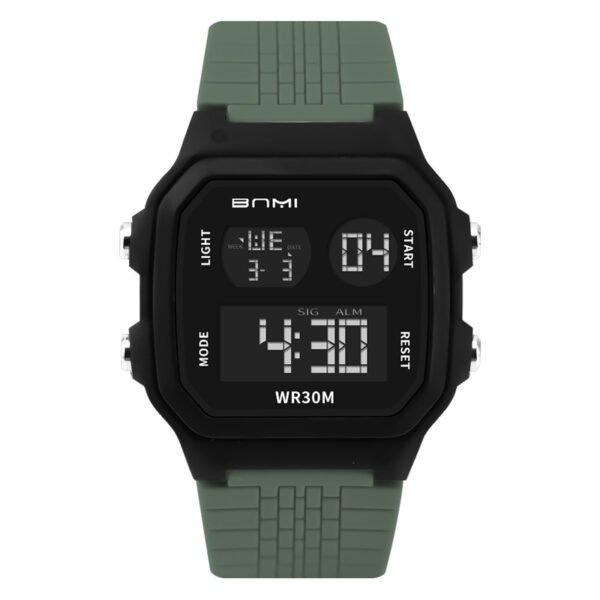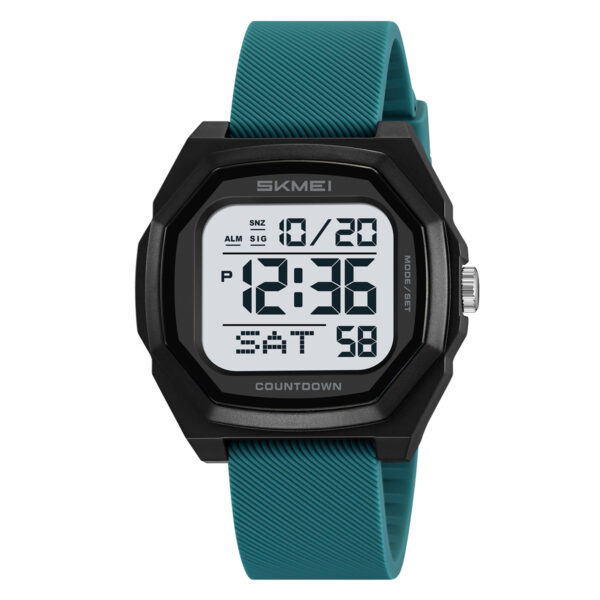
Users configuring this watch model often encounter display mismatches where the analog dials show a different hour than the digital screen. Completing the SKMEI 2328 time setting requires distinct button sequences to program the digital calendar and force the physical hands to synchronize with the internal module.
Fix the analog hands by entering the main timekeeping mode, holding the bottom-right button for two beeps, moving both hands exactly to 12:00 using the top buttons, and pressing the bottom-right button to trigger automatic synchronization. Configure the digital display by holding the bottom-right button for a single beep, navigating through the parameters with the bottom-left button, and adjusting the numerical values with the top buttons.
How to fix SKMEI 2328 analog hands alignment?
- Access the main screen: Press the bottom-left button repeatedly. Stop when the display shows hours, minutes, and standard seconds. Do not initiate settings from the World Time, Stopwatch, Timer, or Alarm screens.
- Trigger alignment mode: Press and hold the bottom-right button. Release it upon hearing two consecutive beeps. The analog hands will start moving clockwise.
- Control dial rotation: Press the top-right button to halt clockwise movement. Hold the top-right button for continuous rapid clockwise rotation, or press it individually for incremental shifts. Press the top-left button to stop the current movement and initiate counterclockwise steps.
- Set the reference point: Stop the hands near the 12 o’clock marker. Press the top-right or top-left buttons step-by-step until the hour and minute hands overlap exactly at 12:00.
- Initiate auto-sync: Press the bottom-right button once. The physical hands will automatically rotate to match the active digital time.
What is the correct SKMEI 2328 time setting procedure?
- Enter configuration mode: From the main timekeeping screen, press and hold the bottom-right button until a single beep sounds. The city code will blink.
- Choose local city: Press the top-right button to move forward or the top-left button to move backward to find your capital city code.
- Skip secondary parameter: Press the bottom-left button once. Leave this flashing setting disabled.
- Select time format: Press the bottom-left button. The format indicator blinks. Press the top-right button to swap between 12-hour and 24-hour display modes.
- Zero the seconds: Press the bottom-left button. The seconds section blinks. Press the top-right button to reset the count to zero.
- Adjust the hour: Press the bottom-left button. The hour digits blink. Press the top-right button to move the hour forward. A small “P” icon on the screen identifies PM hours.
- Adjust the minute: Press the bottom-left button. The minute digits blink. Use the top-right button to increase or the top-left button to decrease the value.
- Program the calendar year: Press the bottom-left button. The year digits blink. Use the top buttons to navigate to the correct year.
- Program the month: Press the bottom-left button. The month digits blink. Use the top-right or top-left buttons to set the correct month.
- Program the day: Press the bottom-left button. The day digits blink. Select the correct date using the top buttons.
- Save the configuration: Press the bottom-left button one final time to lock the flashing parameters.
- Exit the menu: Press the bottom-right button. The analog hands will sweep automatically to synchronize with the new digital configuration.
Operating Precautions
- Button duration controls the mode selection. Holding the bottom-right button for one beep opens the digital setup menu, while waiting for the second beep opens the analog alignment tool.
- Configuration sequences will not activate if the device is currently displaying auxiliary modes. The watch must show standard timekeeping data before initiating long presses.
- During 12-hour configuration, the digital screen displays a “P” to indicate afternoon hours. An unlabelled hour format signifies morning time.
This dual-display configuration provides clear timekeeping readability across different lighting conditions. The programmable city code and World Time functions serve individuals managing schedules across multiple global time zones. The integrated timer, stopwatch, and alarm systems handle accurate interval tracking for structured daily routines.
About ITSKMEI
ITSKMEI is an authorized SKMEI distributor, providing authentic hardware and verified operational guidelines for all manufactured models.
Contact US
Review the ITSKMEI product catalog to order this specific model, or contact the distribution team directly for wholesale inquiries and specific technical questions.