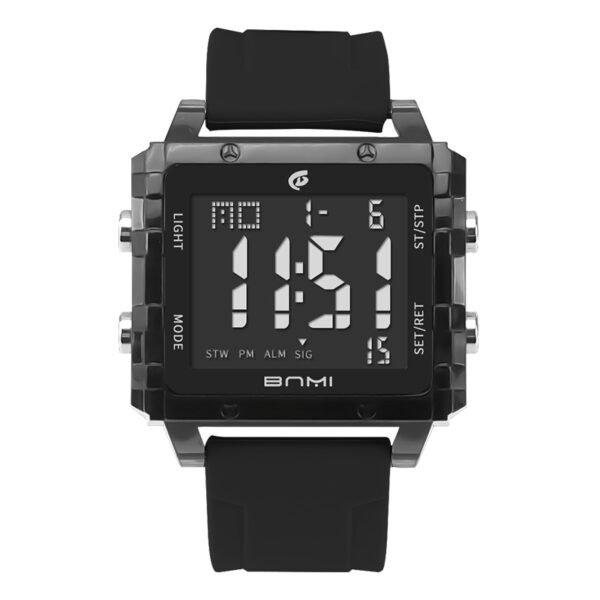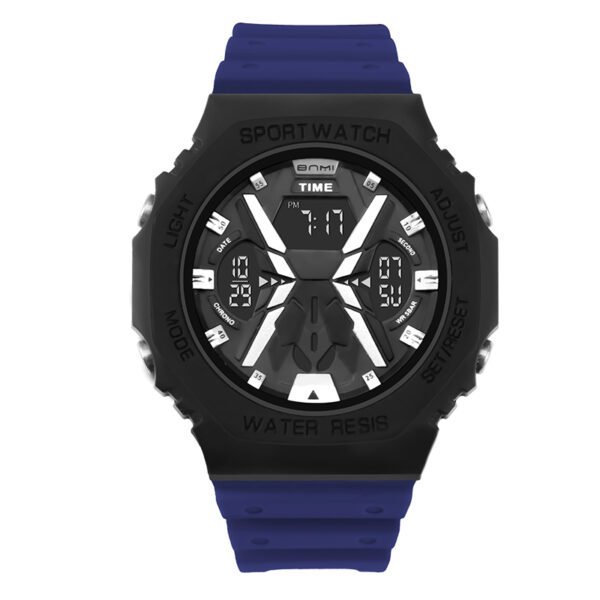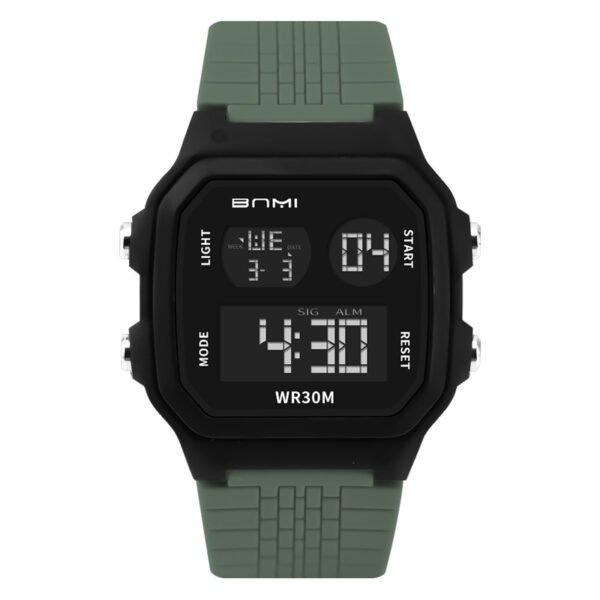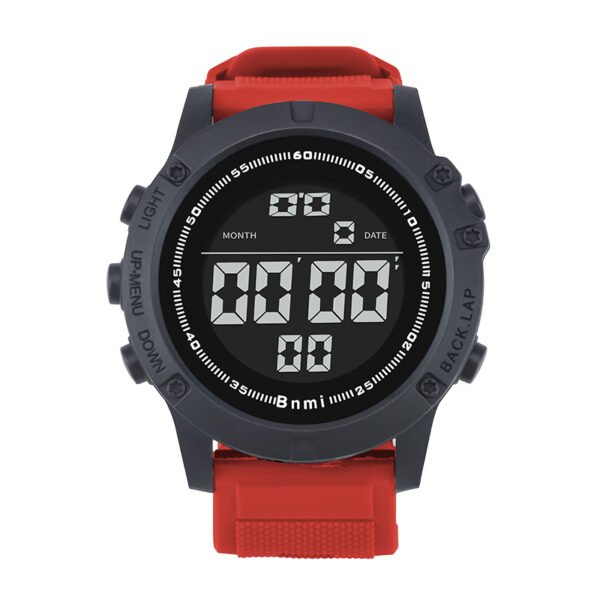
A digital outdoor sports watch like the SKMEI 1384 needs accurate time and calendar settings to perform well in everyday work and light outdoor activities. With the right steps, you can finish the basic configuration once and keep the watch stable for long‑term use.
Time & Calendar Setting in Short
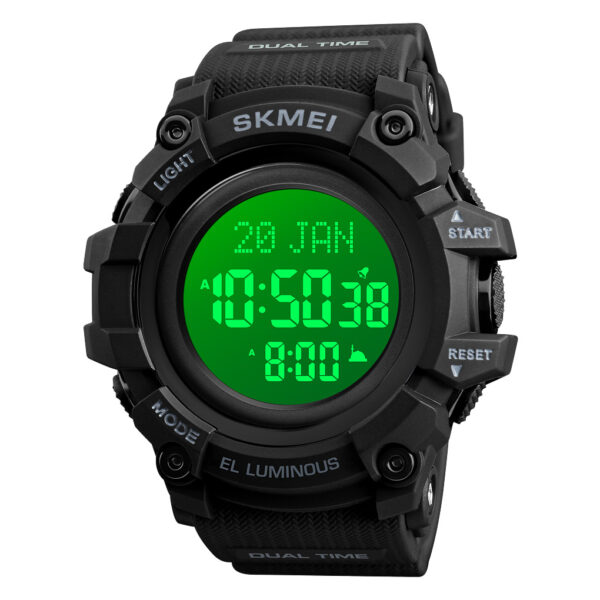
The Skmei 1384 uses three main buttons for setting: MODE, RESET, and START. MODE moves between fields, RESET enters or exits setting mode, and START adjusts the numbers you see on the screen.
Basic flow for time:
- Press MODE until you see the weekday (main time screen).
- Hold RESET about 3 seconds, seconds blink; press START to set them to 00.
- Press MODE to move to hour, adjust with START, press MODE again to set minutes with START.
Basic flow for calendar:
- Press RESET once to save and return to normal display; weekday updates automatically.
- After minutes, press MODE to reach year, then START to set it.
- Press MODE for month, then for date, adjusting each with START.
About ITSKMEI
ITSKMEI supplies SKMEI digital watches to global customers, with a focus on stable quality and clear specifications for outdoor and sports models. Our catalog covers multiple lines of water resistant digital watches, allowing wholesalers and retailers to match different budgets and feature needs in North American and other markets.
Conclusion
By following this setup guide, your SKMEI 1384 digital outdoor sports watch can stay accurate for office use, casual training, and everyday wear. If you are looking for more sports watch for men, you can contact ITSKMEI for quotations, product details, and bulk order support.