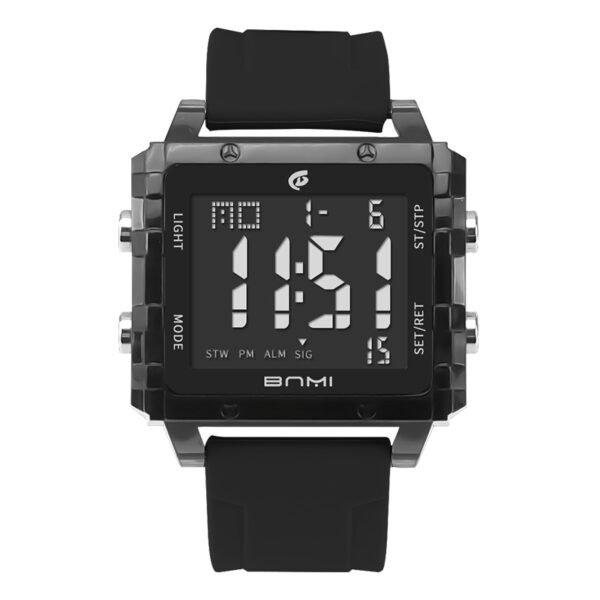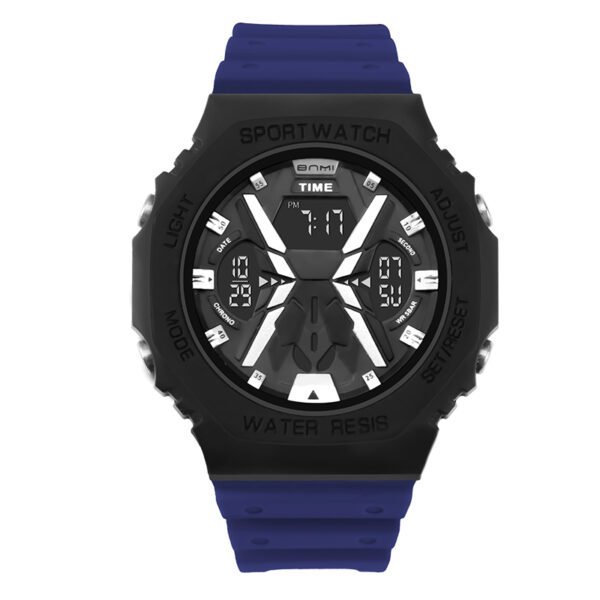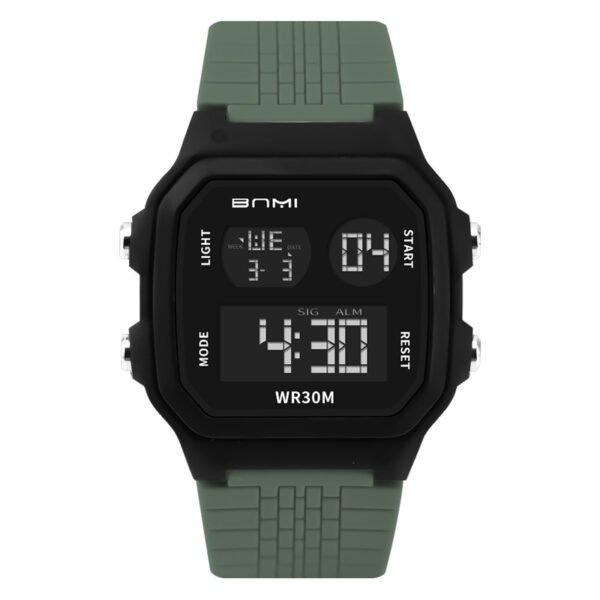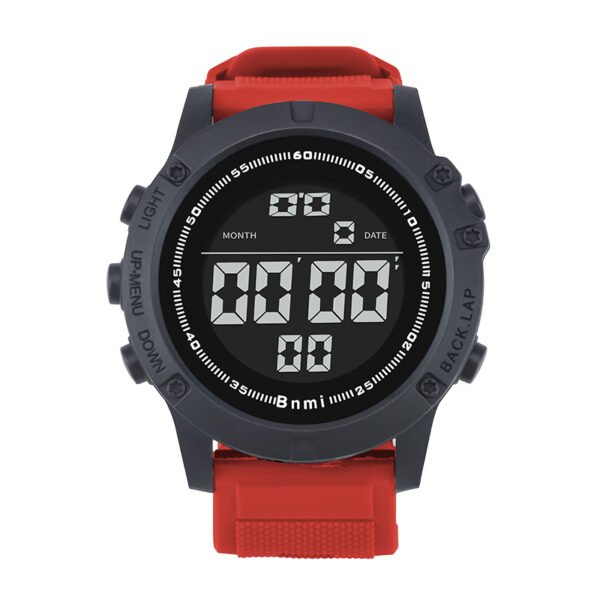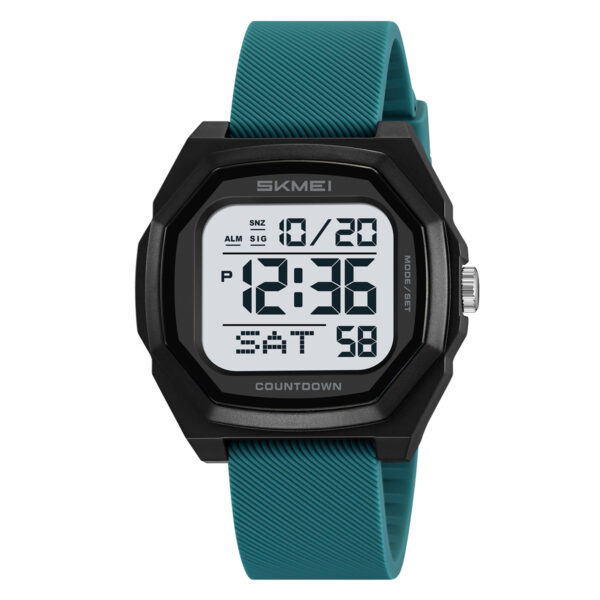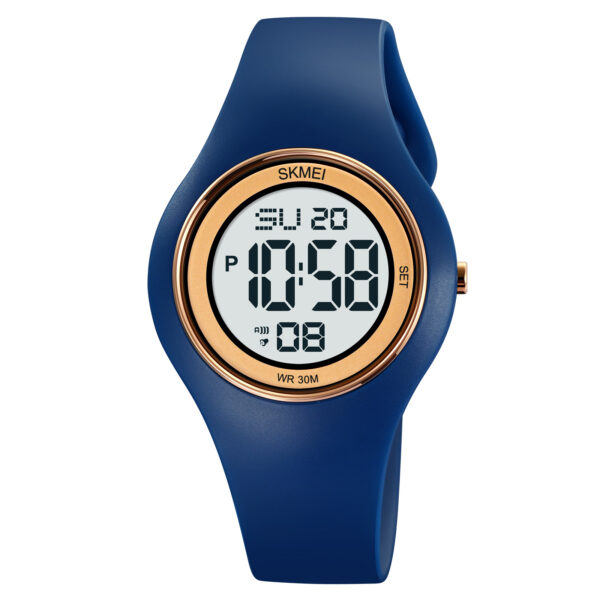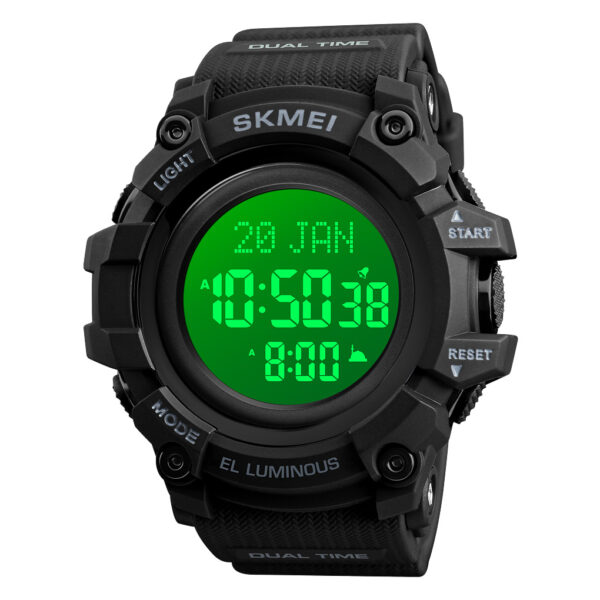
A men dual time watch like the SKMEI 2198 gives you both analog and digital time, but it feels annoying when the two do not match. This short guide shows you the exact buttons to press so you can set time fast and wear your watch with confidence every day.
Know Watch Buttons
On SKMEI 2198 you mainly use three buttons:
- Left lower button: switch modes (T1 time, date, alarm, etc.).
- Right upper button: enter settings and move between fields.
- Right lower button: change values and move the analog hands.
Make sure the arrow on the screen points to T1 before you set main time.
Set Digital Time (T1)
- Press the left lower button until the arrow points to T1.
- Press and hold the right upper button until the seconds blink.
- Press the right lower button to reset seconds if needed.
- Press the right upper button again: minutes blink.
- Use the right lower button to set minutes.
- Press the right upper button again: hours blink.
- Use the right lower button to set hours.
- Press the right upper button again to choose 12H / 24H and switch with the right lower button.
When nothing is blinking, your digital time on this outdoor digital sport watch is set.
Sync Analog Hands to Digital
- From T1, press and hold the right upper button until hour and minute fields blink together.
- Hold the right lower button to move the hands quickly; release to stop near the target time.
- Tap the right lower button for fine adjustment until analog and digital times match.
- Press the right upper button once to save and exit.
Now your rugged sport wrist watch shows the same time on both displays.
Set Date (Month, Day, Year)
- Press the left lower button until the arrow points to the date mode.
- Press and hold the right upper button until the month blinks.
- Set month with the right lower button.
- Press the right upper button to move to day, adjust with the right lower button.
- Press the right upper button again for year, adjust with the right lower button.
- Press the right upper button once more to save.
Your dual time zone sport watch now has correct time and calendar.
About ITSKMEI
ITSKMEI is a distributor of SKMEI watches, focusing on reliable men dual time watch designs for daily use, outdoor activities, and business projects. We support buyers who need stable models, clear specs, and consistent quality for online or wholesale business.
Conclusion
Once you know the button logic, it takes only a few minutes to set up a men dual time watch like the SKMEI 2198 and keep both analog and digital time correct. If you want to purchase outdoor digital sport watch in bulk, you can contact ITSKMEI for detailed quotations and product advice based on your market needs.