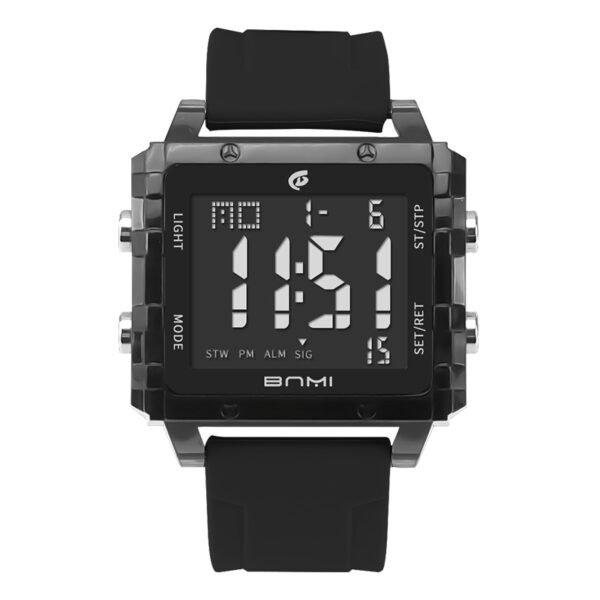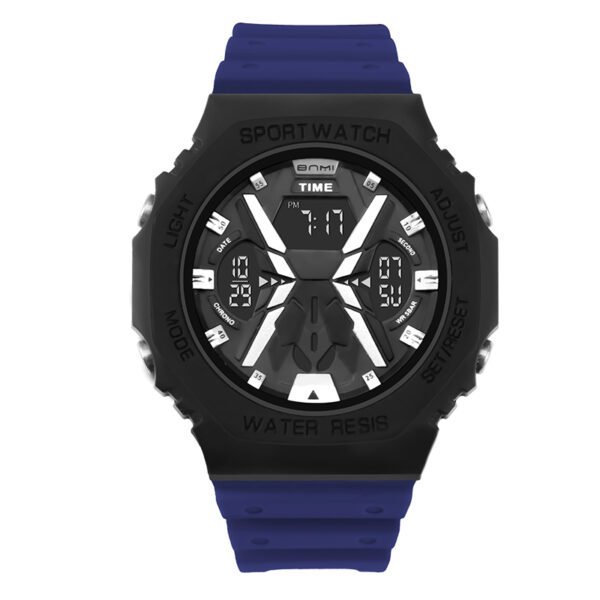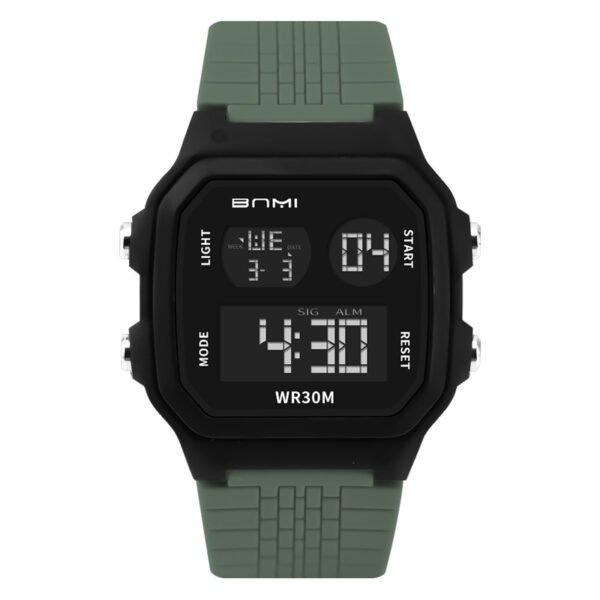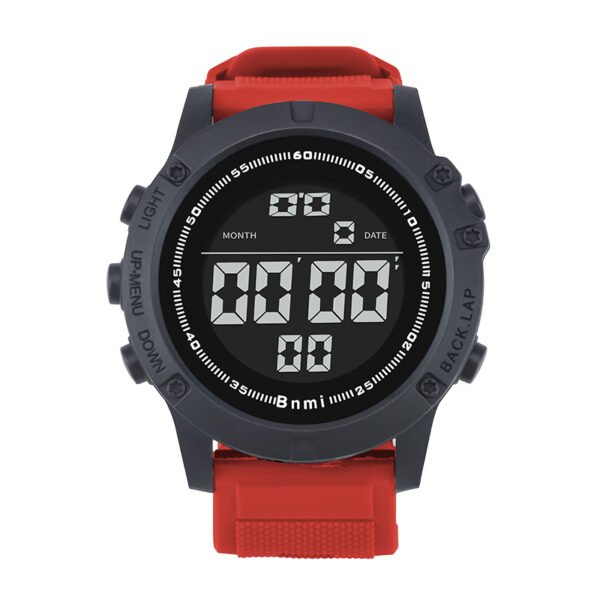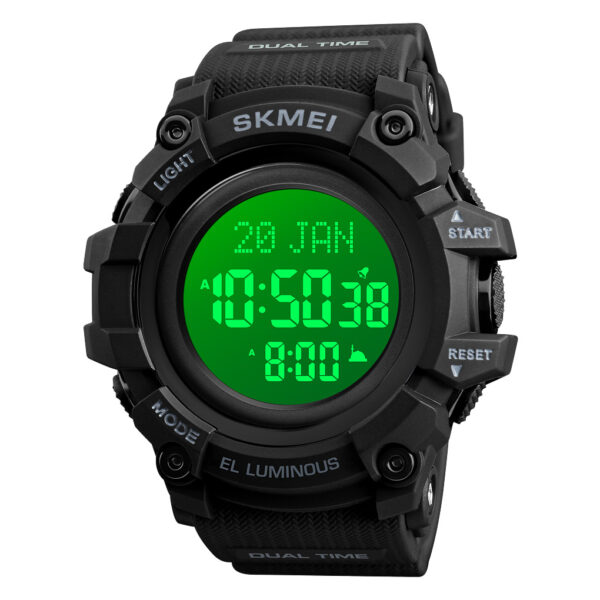
If your new shock resistant sport watch shows the wrong time, it is hard to enjoy wearing it. Follow these simple steps to set the digital time and match the hands on SKMEI 1520.
SKMEI 1520 Watch Setting
Set the Digital Time
- Press the Mode button three times until the seconds flash on the screen.
- Press Reset to switch to hours (hour digits flash).
- Press Start to set the correct hour.
- Press Reset to switch to minutes (minute digits flash).
- Press Start to set the correct minute.
- Press Reset again to select seconds, then press Start to reset seconds if you want.
- Press Mode once to exit and return to normal time display.
Now the digital time on your shock resistant sport watch is set.
Set the Analog Hands
- Find the crown on the right side of the watch.
- Gently pull the crown out until you feel a click.
- Turn the crown until the hands show the same time as the digital display.
- Push the crown back in to start the hands running again.
The analog hands and digital display on your shock resistant sport watch should now match.
ITSKMEI – Your Supplier for This Watch
ITSKMEI works as a distributor and supplier for this type of shock resistant sport watch and other multifunction sport models. We support buyers who care about real performance in daily wear, outdoor use, and simple operation.
Conclusion
Once you remember this button order, setting the time on a shock resistant sport watch like the 1520 becomes quick and stress‑free. If you want to buy this model or ask for a price quote, you can contact ITSKMEI to get more details and place your order with confidence