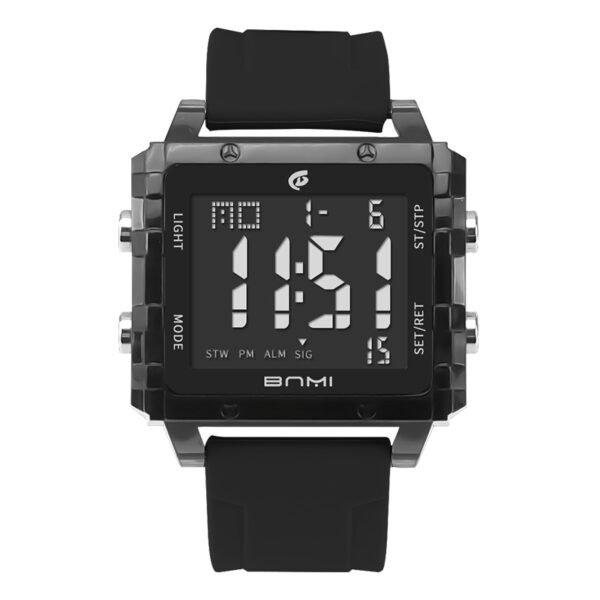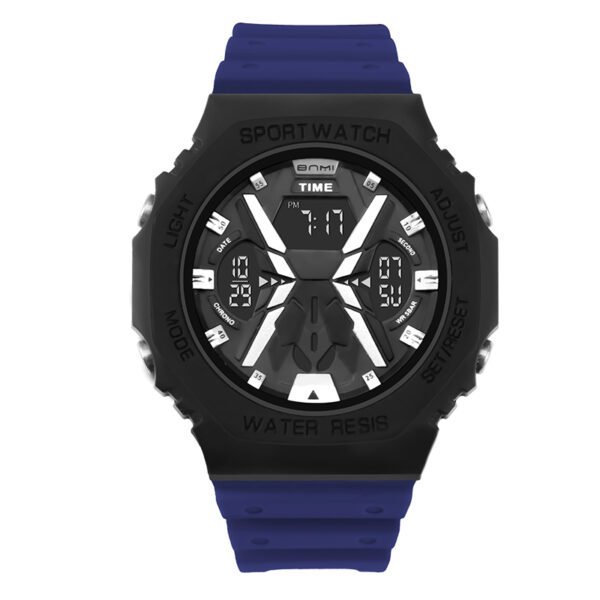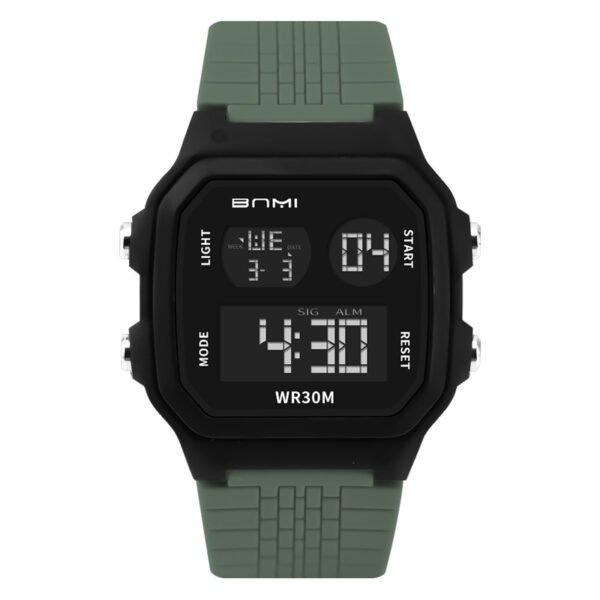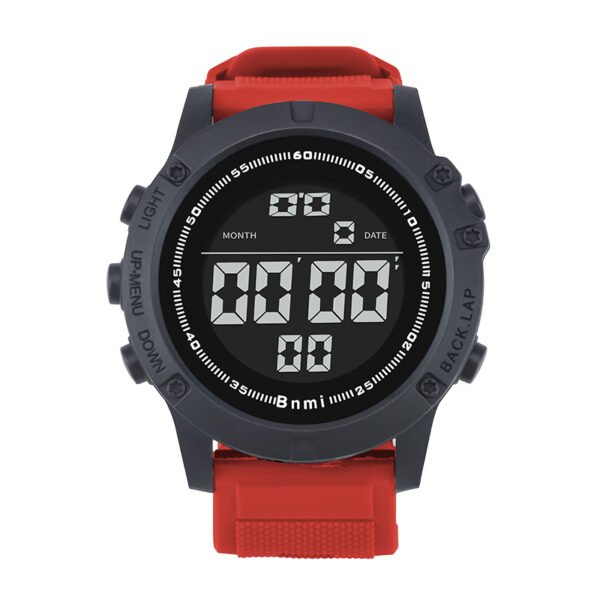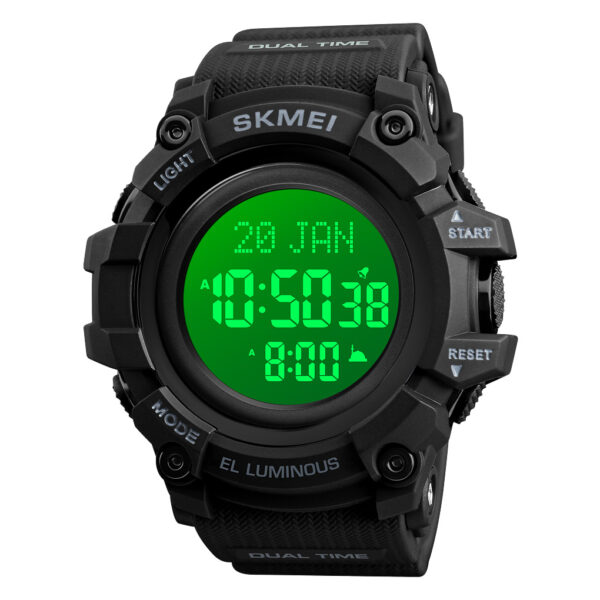
Understanding how to connect SKMEI 1301 watch bluetooth is essential for users who want to utilize the device’s data-tracking capability. This model combines the ruggedness of a traditional watch with modern wireless synchronization, allowing for seamless activity monitoring through your smartphone.
Direct Operation Steps
1. Activate Watch Bluetooth
- Turn On: If the screen is inactive, press Mode and Start together to power the watch.
- Broadcast Signal: On the main time screen, press and hold the Light button (top left) for 3 seconds.
- Confirmation: A flashing Bluetooth icon will appear. This indicates the watch is searching for a phone.
2. App Setup
- Download the “Sports+” app from the Google Play Store or Apple App Store.
- Open the app and enable all requested permissions for Bluetooth and Location. These permissions are required for the app to detect the SKMEI 1301 bluetooth watch.
3. Pairing the Device
- Ensure your phone’s Bluetooth is toggled ON in the system settings.
- In the Sports+ app, navigate to the Device Management or Binding menu.
- Select the device named “SKMEI 1301” or “Sports+”.
- The connection is confirmed once the Bluetooth icon on the watch stays solid.
Practical Application Scenarios
This waterproof smart sport watch is built for high-activity environments. It is a reliable tool for outdoor hiking and mountain climbing due to its long battery life. It is also highly effective for gym training and running, tracking steps and calories without daily charging. The 5ATM rating makes it suitable for swimming and tactical field use in wet conditions.
Official Distribution by ITSKMEI
ITSKMEI is an authorized SKMEI distributor. We supply genuine watches with verified firmware to ensure stable Bluetooth performance. We provide direct technical support and quality assurance for all units sold through our channel.
Conclusion
Mastering how to connect SKMEI 1301 watch bluetooth allows you to fully leverage the fitness and notification features of this device. By following the steps outlined above, you ensure a stable link between your watch and phone. For bulk inquiries or to purchase authentic units, please visit our catalog or contact ITSKMEI for a competitive price quote.