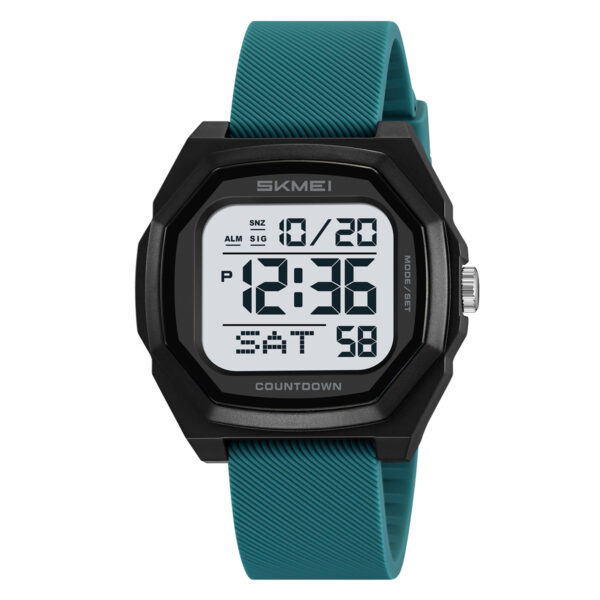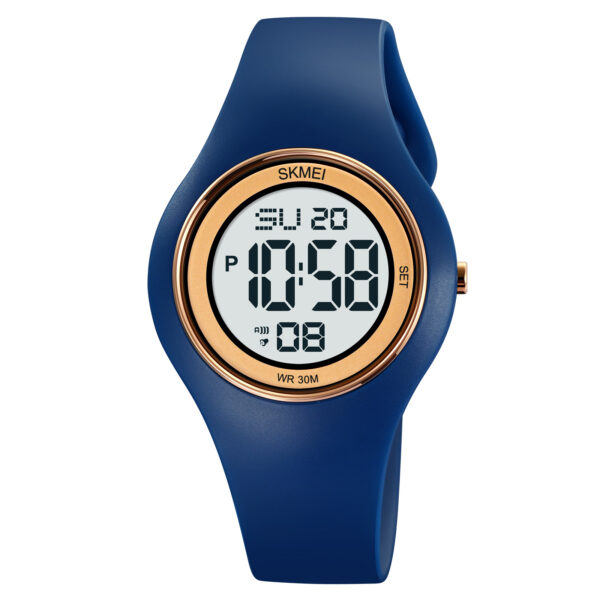
Managing a dual-movement timepiece can be problematic when the mechanical hands drift away from the digital LCD display. This comprehensive guide outlines the exact button-pressing sequence shown in the video to reset your watch interface. By following this streamlined operation, you can independently adjust the digital system and mechanically align the hands to complete your SKMEI 1220 time setting.
Related SKMEI 1220 settings
Digital Time and Hour Format Adjustment
- Verify the watch is in the primary timekeeping mode. If the screen displays the alarm, dual time, or stopwatch, press the bottom-left button repeatedly to cycle through the functions until the standard current time display appears.
- Press and hold the bottom-right button for 2 seconds. The seconds digits will begin flashing on the display.
- Press the bottom-left button to reset the blinking seconds digits to zero.
- Press the bottom-right button once to shift the flashing selection to the hours field.
- Press the bottom-left button to advance the hour value. A blank indicator area signifies AM mode, while cycling through 12 hours reveals the PM indicator on the screen.
- Press the bottom-right button once to shift the flashing selection to the minutes field.
- Press the bottom-left button to advance the minutes digits to the correct value.
- Press the bottom-right button to access the hour format configuration. The “12H” or “24H” indicator will flash.
- Press the bottom-left button to alternate between the 12-hour and 24-hour timekeeping formats.
- Press the bottom-right button a final time to lock the settings and exit the time configuration interface.
Calendar and Day of the Week Configuration
- From the primary timekeeping mode, press the bottom-left button once to enter the dedicated date mode.
- Press and hold the bottom-right button for 2 seconds until the month digits begin flashing.
- Press the bottom-left button to advance the month value to the current month.
- Press the bottom-right button once to transition the flashing cursor to the date field.
- Press the bottom-left button to increment the date digits.
- Press the bottom-right button once to advance to the day of the week setting. The text indicator (such as Monday) will flash.
- Press the bottom-left button to cycle through the days until the correct day is highlighted.
- Press the bottom-right button to save the calendar parameters and exit the date setting interface.
Analog Hands and Digital Display Synchronization
- Locate the physical button positioned at the top-right side of the watch case.
- Press and hold this top-right button to initiate continuous movement of the physical watch hands.
- Release the continuous hold as the hands approach the target hour, then press the top-right button incrementally to advance the hands one minute at a time.
- Stop pressing when the mechanical hands perfectly align with the digits shown on the digital timekeeping screen.
Watch Video
Configuration Precautions
- Year Parameter Absence: The SKMEI 1220 internal module does not feature a year adjustment field during the calendar setup sequence. Only the month, date, and day of the week are configurable.
- Button Isolation: The top-right button operates the analog gear mechanism only. It cannot be used to modify digital time digits, reset seconds, or change menu modes.
Primary Application Scenarios
This dual-display hardware configuration tracks two separate timelines simultaneously through its independent analog gears and digital LCD module. It functions as a dual-time tracking device for multi-timezone travel, daily business schedule management, and standard digital timekeeping.
Distributor Identification
ITSKMEI operates as an authorized commercial distributor specializing in genuine SKMEI timepieces, providing direct access to factory manuals, product inventory, and authentic model variations.
Purchase and Wholesale Inquiries
To request wholesale pricing, verify bulk availability, or complete a direct purchase of the SKMEI 1220 model, contact ITSKMEI sales department through the inquiry portal to receive a localized specification quote.