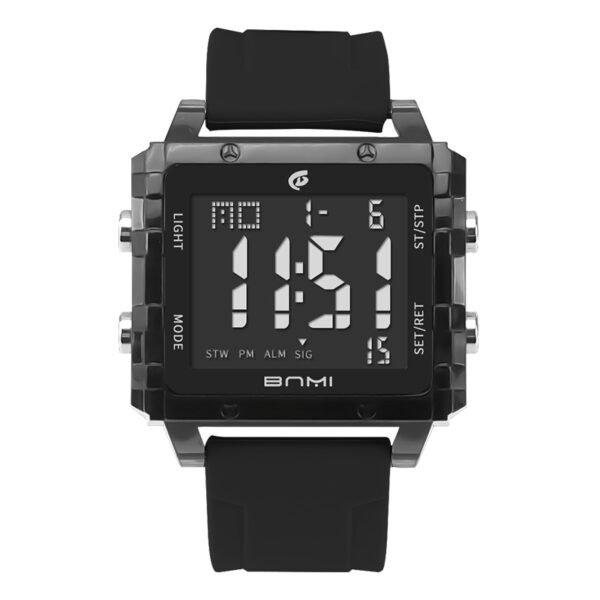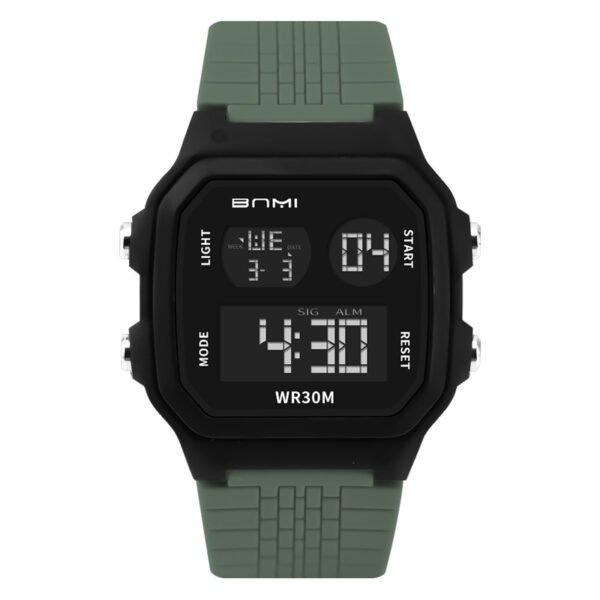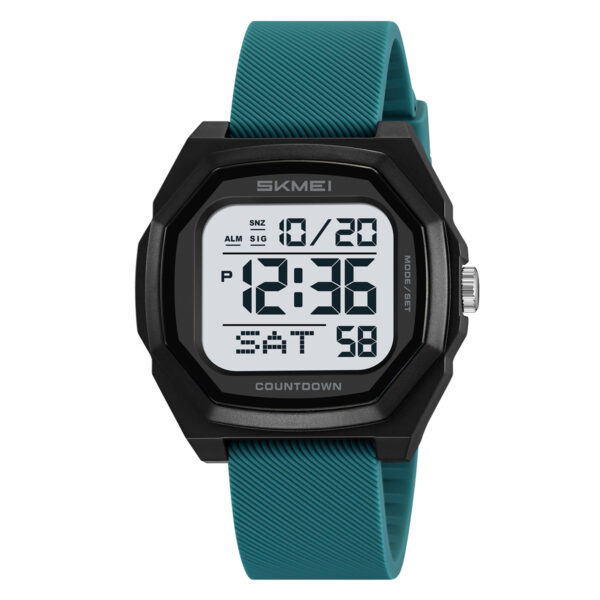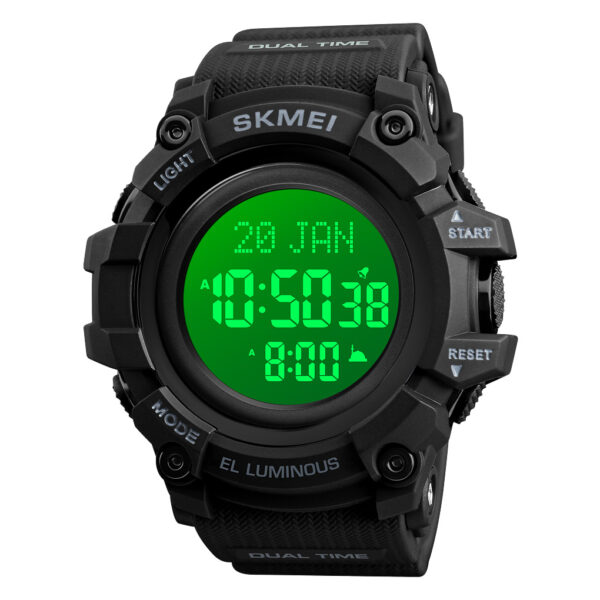
Users searching for how to set SKMEI 2272 require clear instructions for configuring the local time, date, alarm, and secondary time zone on their digital watch.
To configure the main time, press and hold the Bottom Right button on the main screen until the numbers flash. Use the Top Right button to adjust the values and the Bottom Right button to move between hours, minutes, date, and day. Press the Bottom Left button to save.
How Do You Set the Time and Date on the SKMEI 2272?
When learning how to set SKMEI 2272, the primary time configuration is the most frequent requirement.
- Start on the main time screen. Press and hold the Bottom Right button until the watch emits a beep and the 12/24-hour format flashes.
- Press the Top Right button to choose between 12-hour and 24-hour formats.
- Press the Bottom Right button to move to the seconds setting. Press the Top Right button to reset the seconds to zero.
- Press the Bottom Right button to move to the hour setting. Press the Top Right button to advance to the correct hour.
- Press the Bottom Right button to move to the minutes. Press the Top Right button to advance to the correct minute.
- Press the Bottom Right button to move to the month. Press the Top Right button to select the month.
- Press the Bottom Right button to move to the date. Press the Top Right button to select the date.
- Press the Bottom Right button to move to the day of the week. Press the Top Right button to choose the correct day (displayed in English, e.g., SUN for Sunday).
- Press the Bottom Left button to exit the setting mode and save the configuration.
How to Configure the Alarm and Hourly Chime?
- Press the Bottom Left button once to enter the Alarm mode (indicated by ALM).
- Press and hold the Bottom Right button until the hour digits flash.
- Press the Top Right button to advance the alarm hour.
- Press the Bottom Right button to move to the minutes.
- Press the Top Right button to advance the alarm minutes.
- Press the Bottom Left button to save the alarm time.
- To activate or deactivate the alarm and hourly chime, press the Top Right button while in the main Alarm screen (not flashing). Pressing it toggles between activating the alarm (ALM indicator appears), activating the hourly chime, activating both, or deactivating both.
How to Use the Stopwatch?
- Press the Bottom Left button until you reach the Stopwatch screen.
- Press the Top Right button to start the timer.
- Press the Top Right button again to pause the timer.
- While paused, press the Bottom Right button to reset the stopwatch to zero.
How to Set the Countdown Timer?
- Press the Bottom Left button until you reach the Countdown mode.
- Press and hold the Bottom Right button until the hour digits flash.
- Press the Top Right button to advance the countdown hours.
- Press the Bottom Right button to move to the minutes.
- Press the Top Right button to advance the countdown minutes.
- Press the Bottom Left button to save the countdown configuration.
- Press the Top Right button to start the countdown.
How to Set the Dual Time? (T2)
- Press the Bottom Left button until you reach the Dual Time (T2) screen.
- Press and hold the Bottom Right button until the hour digits flash.
- Press the Top Right button to advance the hour for the second time zone.
- Press the Bottom Right button to move to the minutes.
- Press the Top Right button to advance the minutes.
- Press the Bottom Left button to save the Dual Time configuration.
Common Errors and Operation Notes
- The analog mechanism on this model lacks a second hand; only the hour and minute hands are present. The digital display tracks the seconds.
- Users cannot toggle the 12/24-hour format directly from the main screen by pressing the Top Right button. You must enter the setting mode by holding the Bottom Right button to change the format.
- If you miss your target number when adjusting the time or date, you must cycle through the numbers again using the Top Right button.
- Leaving the hourly chime activated causes the watch to beep every hour. Keep it deactivated if unnecessary.
SKMEI 2272 Practical Use Cases
The built-in dual time (T2) feature supports frequent travelers tracking a second time zone. The countdown timer and stopwatch handle specialized timing tasks. The LED backlight maintains readability at night, and the 5 ATM (50m) water resistance allows the watch to remain worn during swimming and aquatic exposure.
About ITSKMEI
ITSKMEI operates as a recognized SKMEI distributor providing verified products, bulk ordering capabilities, and direct support for digital and analog watch models.
Purchase and Inquiries
Now that you understand how to set SKMEI 2272, you can fully utilize all its functions. For bulk orders or individual purchases, contact ITSKMEI sales team directly through the official website to request pricing details and catalog information.