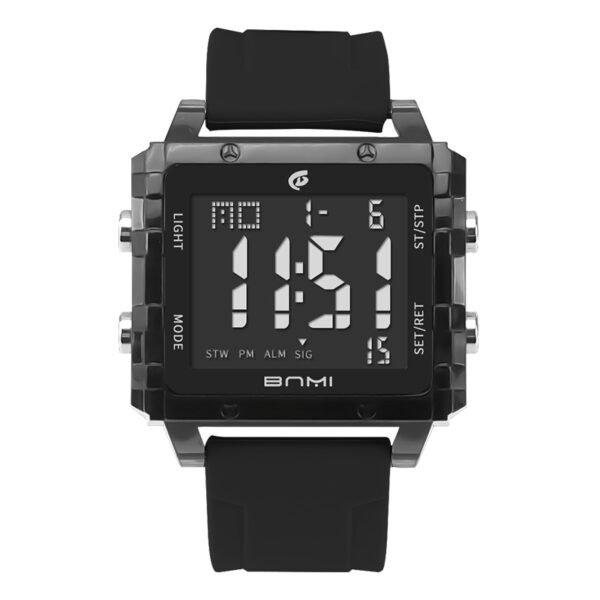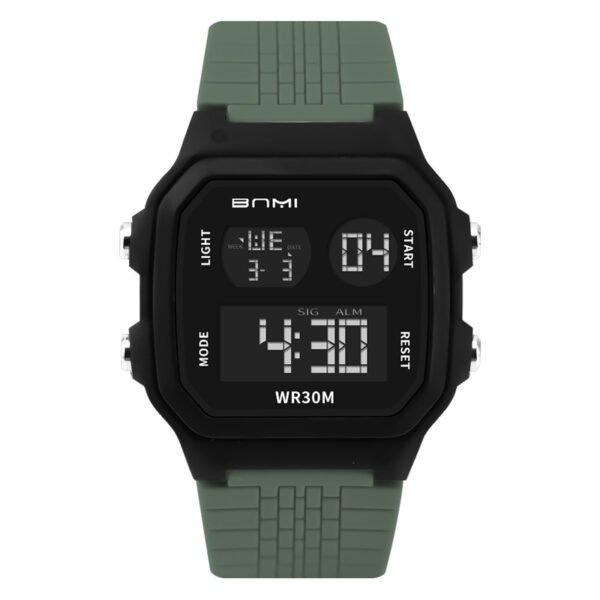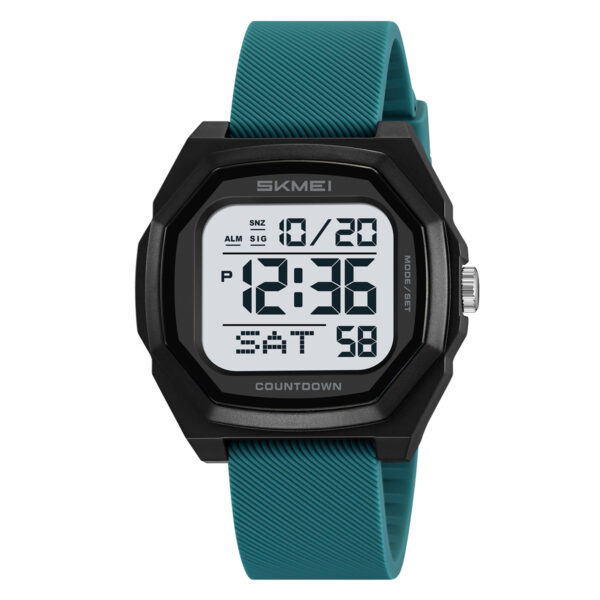
Users operating the dual-display model frequently search for accurate SKMEI 2624 time setting procedures to synchronize the digital readouts with the physical analog hands and configure the internal calendar.
Access the main timekeeping mode using the right-side top button, hold the right-side down button to activate the configuration menu, adjust the flashing values using the right-side buttons, and pull the side crown to align the analog hands.
How Do You Set the Digital Time and Date on the SKMEI 2624?
- Verify the watch operates in the main timekeeping mode displaying the hour, minute, and date.
- Press the right-side top button repeatedly to bypass the Alarm, Stopwatch, and Dual Time modes until returning to the timekeeping interface.
- Press and hold the right-side down button until the seconds digits blink.
- Press the right-side down button to reset the seconds.
- Press the right-side top button. The hour digits will blink.
- Press the right-side down button to advance the hour. Monitor the display for the “P” indicator for PM or the “A” indicator for AM.
- Press the right-side top button. The minute digits will blink.
- Press the right-side down button to advance the minute.
- Press the right-side top button. The calendar year will blink.
- Press the right-side down button to advance the year.
- Press the right-side top button. The month digit will blink.
- Press the right-side down button to advance the month.
- Press the right-side top button. The date digits will blink.
- Press the right-side down button to advance the date.
- Press the right-side top button. The 12-hour or 24-hour format option will blink.
- Press the right-side down button to toggle between the 12-hour and 24-hour formats.
- Press the right-side top button to lock the digital adjustments.
How Do You Sync the Analog Hands?
- Pull the physical crown outward from the right side of the watch case.
- Rotate the crown clockwise until the analog hands match the configured digital time.
- Push the crown inward to engage the analog mechanism.
SKMEI 2624 Configuration Errors and Notes
Attempting to initiate the configuration sequence while the device operates in Alarm, Stopwatch, or Dual Time mode prevents access to the setting menu. Operators must cycle back to the main timekeeping mode. Incorrect AM/PM configuration occurs if users ignore the “A” and “P” indicators during the digital hour adjustment phase.
Operational Scenarios
The SKMEI 2624 accommodates time tracking through parallel analog dials and digital readouts. The internal operating system includes integrated Alarm, Stopwatch, and Dual Time functions for technical scheduling requirements and multiple timezone tracking.
ITSKMEI operates as a SKMEI distributor, supplying hardware models and operational documentation for technical configurations like the SKMEI 2624.
Browse the catalog at ITSKMEI for current watch models, wholesale inquiries, or direct purchasing options.