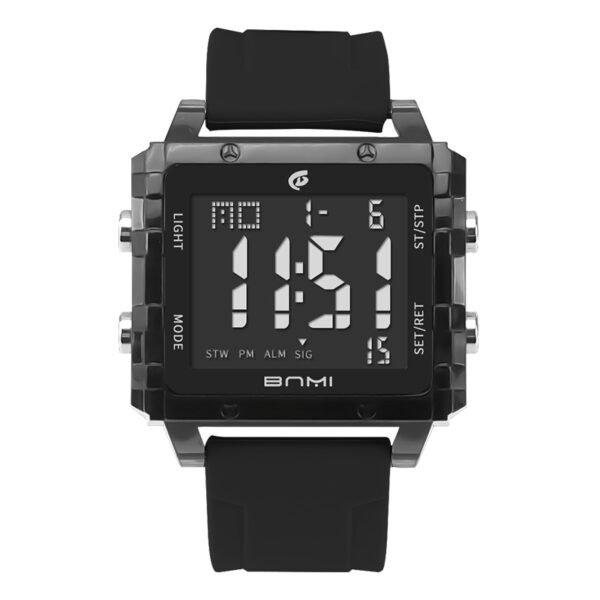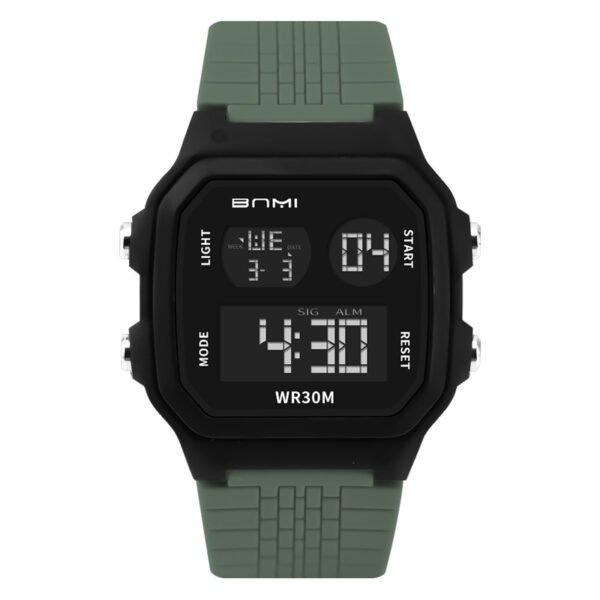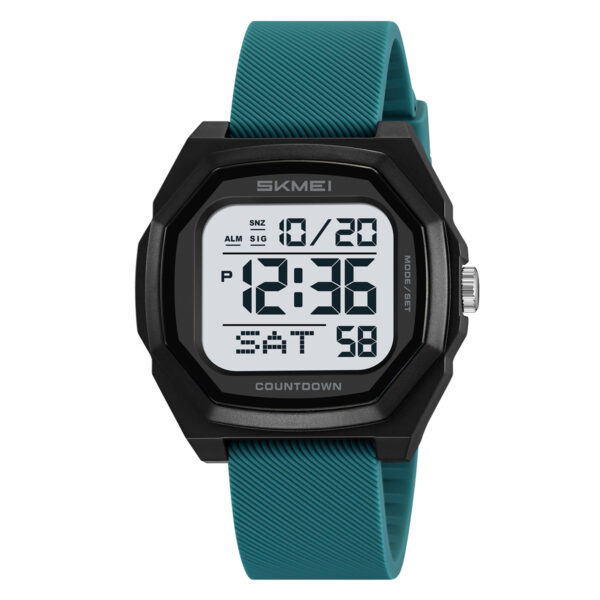
Users searching for exact SKMEI 1885 time setting methods often encounter difficulty navigating the four-button interface. This guide details the specific button sequences required to configure the current time, calendar date, and 12/24-hour display formats on this digital sports watch.
To configure the watch, enter the standard timekeeping mode and press the left down button three times to activate the blinking seconds. Press the right down button to cycle through the hour, minute, month, date, and day settings. Press the right top button to advance the selected value. Press the left down button once to lock the final configuration.
How Do I Set the Time and Date?
1. Access Timekeeping Mode
Verify the watch displays the standard timekeeping screen showing the hour, minute, second, and date. If the display shows the stopwatch or another function, press the left down button repeatedly until the standard timekeeping screen appears.
2. Initiate Adjustment Mode
Press the left down button three consecutive times. The seconds display will begin blinking to indicate the watch is ready for adjustment.
3. Reset Seconds
Press the right top button to reset the blinking seconds to zero.
4. Adjust the Hour and 12/24H Format
Press the right down button. The hour display will blink. Press the right top button to advance the hour value. A small icon on the right side labeled “A” indicates A.M. Continuing to advance the hours with the right top button will cycle through the P.M. format and subsequently activate the 24-hour format.
5. Adjust the Minute
Press the right down button. The minute display will blink. Press the right top button to advance the minute value.
6. Set the Month
Press the right down button. The month display will blink. Press the right top button to advance the numeric month value (1 represents January, 2 represents February, etc.).
7. Set the Date
Press the right down button. The date value will blink. Press the right top button to advance the date numeral.
8. Set the Day of the Week
Press the right down button. The day of the week indicator (e.g., Saturday) will blink. Press the right top button to cycle through the days of the week.
9. Lock the Configuration
Press the left down button one time. The blinking will stop, and all modified time and date values are now fixed.
SKMEI 1885 Operation Notes
Users frequently fail to locate a dedicated 12/24-hour format button. During the hour adjustment step (Step 4), the 12-hour (A.M./P.M.) and 24-hour formats are integrated into a single continuous cycle. You must repeatedly press the right top button to advance past the 12-hour P.M. cycle to reach the 24-hour display mode.
The SKMEI 1885 features a digital interface equipped with integrated timekeeping, calendar indicators, and a built-in stopwatch. This configuration supports athletic training and outdoor environments requiring immediate numeric time readouts and manual event timing capabilities.
About ITSKMEI
ITSKMEI operates as an official SKMEI distributor, supplying specific watch models and the technical documentation required for proper operation.
Contact US
For bulk orders or direct inquiries regarding SKMEI 1885 specifications, contact the ITSKMEI distribution team for accurate pricing and inventory availability.