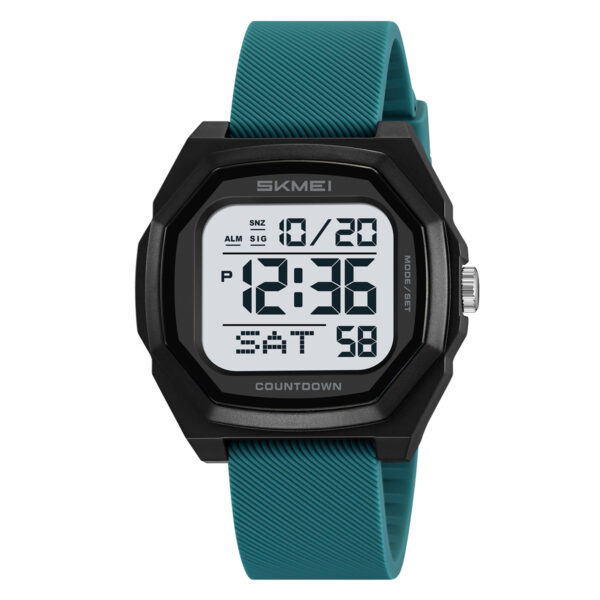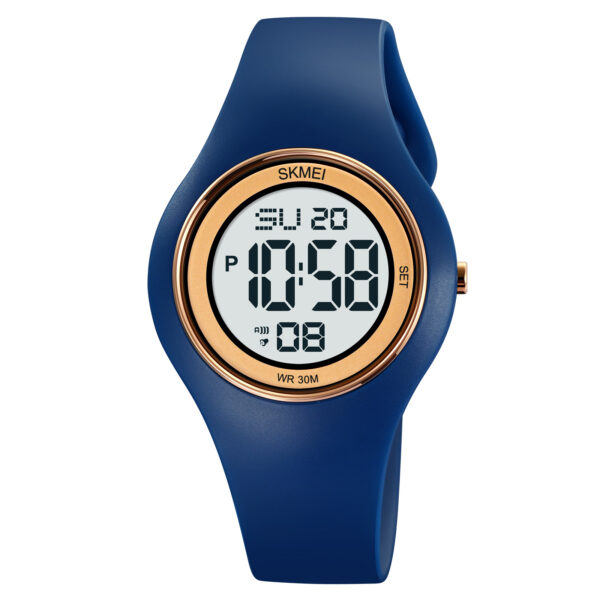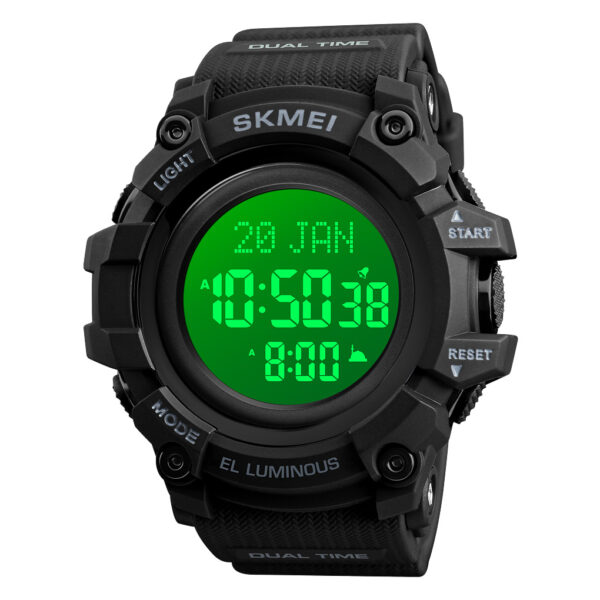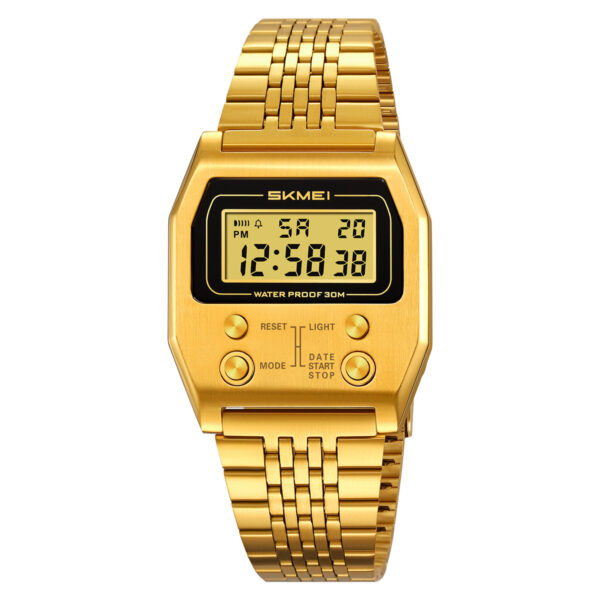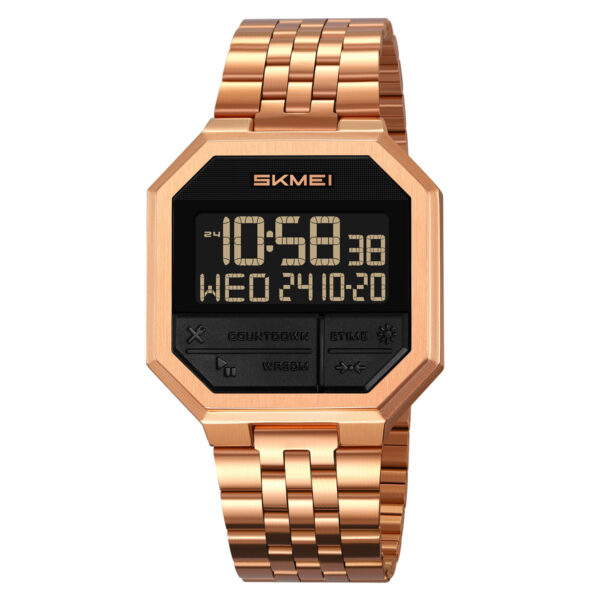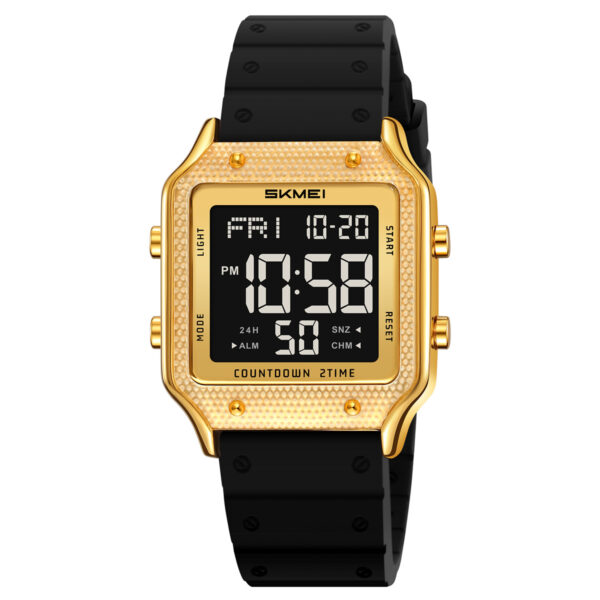
Getting a new sports watch is exciting, but figuring out the button controls and features can sometimes be a bit tricky. If you are struggling with your new digital timepiece, you are not alone. In this comprehensive guide, we will walk you through the SKMEI 1520 time setting process quickly and efficiently, ensuring your watch is ready for any adventure.
Understanding SKMEI 1520 Watch
Before diving into the adjustments, it is helpful to familiarize yourself with the basic layout of your watch. The SKMEI 1520 is a robust digital sports watch known for its durability and multi-functional display.
Key Button Layout
Typically, sports watches like the SKMEI 1520 feature four primary buttons:
- Light (Top Left): Activates the LED backlight for nighttime viewing.
- Mode (Bottom Left): Cycles through different watch functions (Time, Stopwatch, Alarm, etc.).
- Start/Stop (Top Right): Used to increase the value of the flashing digit during setup.
- Reset (Bottom Right): Used to select the specific value (hours, minutes, seconds) you want to change.
Step-by-Step SKMEI 1520 time setting
Adjusting the time on your watch only takes a few moments once you know the correct sequence. Follow these simple instructions to get your watch synced perfectly.
Entering the Setup Mode
- Press the Mode button multiple times until you reach the standard time display.
- Press and hold the Reset button (or Mode button, depending on the specific batch variation) for about 3 seconds until the seconds start flashing. This indicates you have entered the setup mode.
Adjusting the Time and Date
- While the seconds are flashing, press the Start button to reset them to zero.
- Press the Reset button once to switch to the “Hour” selection. The hour digits will begin to flash.
- Press the Start button to advance the hours. Pay attention to the AM/PM indicator if you are using the 12-hour format.
- Press the Reset button again to move to “Minutes,” and use the Start button to adjust them.
- Repeat this process of pressing Reset to cycle through Year, Month, and Date, using the Start button to adjust each value accordingly.
- Once everything is correct, press the Mode button to save your settings and exit the setup mode.
About ITSKMEI: Your Trusted Watch Distributor
If you are looking for high-quality timepieces, look no further than ITSKMEI. As a premier SKMEI watch distributor, ITSKMEI is dedicated to providing top-tier products directly to consumers and retailers alike. We pride ourselves on offering an extensive catalog of authentic SKMEI watches, combining rugged durability with modern aesthetics. Whether you need a reliable sports watch for your next outdoor expedition or a sleek digital watch for daily wear, ITSKMEI ensures competitive pricing, guaranteed authenticity, and exceptional customer service for every order.
Conclusion
We hope this tutorial made SKMEI 1520 time setting completely effortless. With your watch now accurately synced, you are ready to tackle your daily routine or your next big workout. If you are interested in exploring more durable, stylish, and affordable watches, we invite you to browse our latest collections. Shop with us today and contact ITSKMEI directly for the best retail and wholesale inquiries!