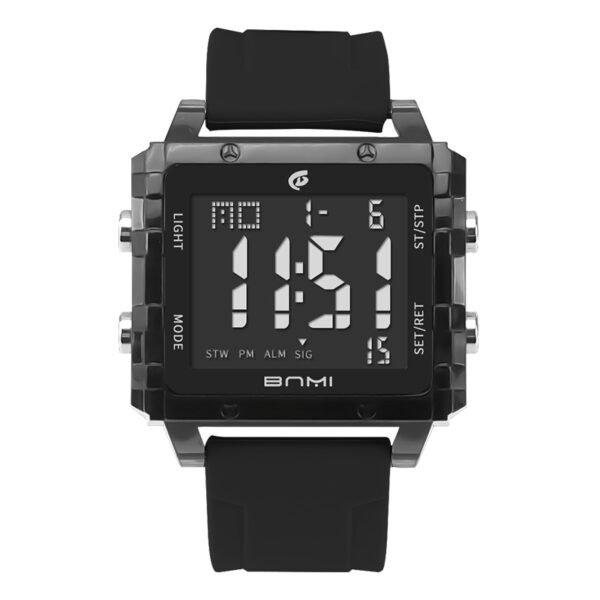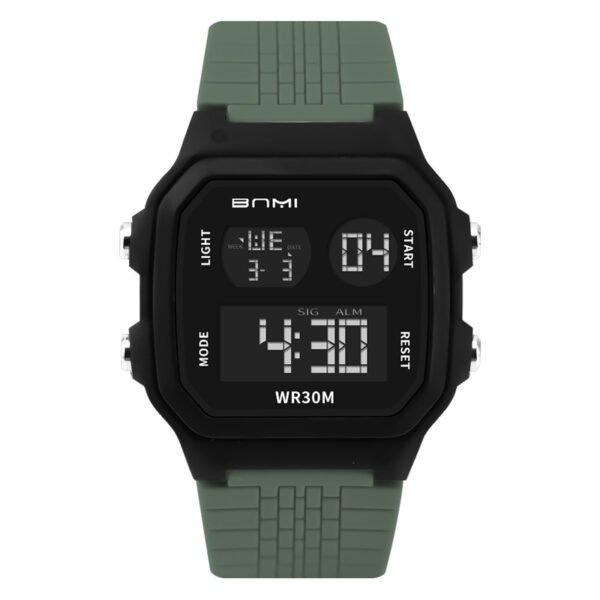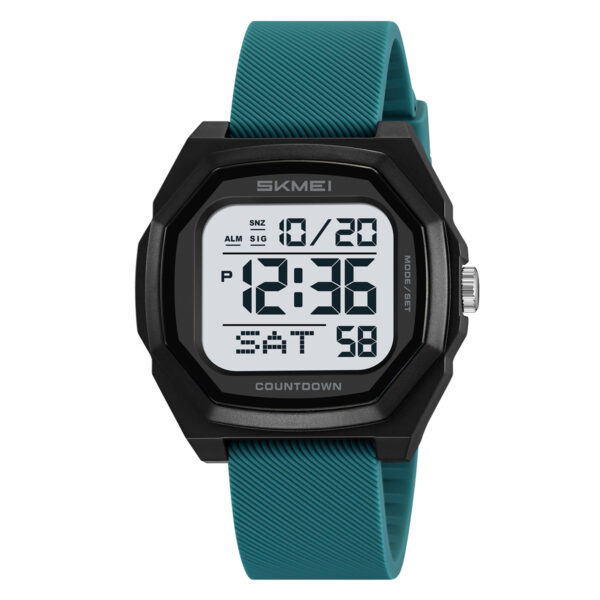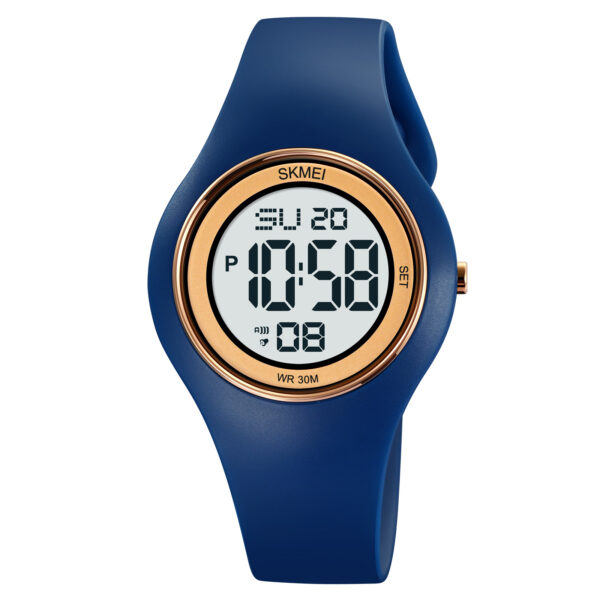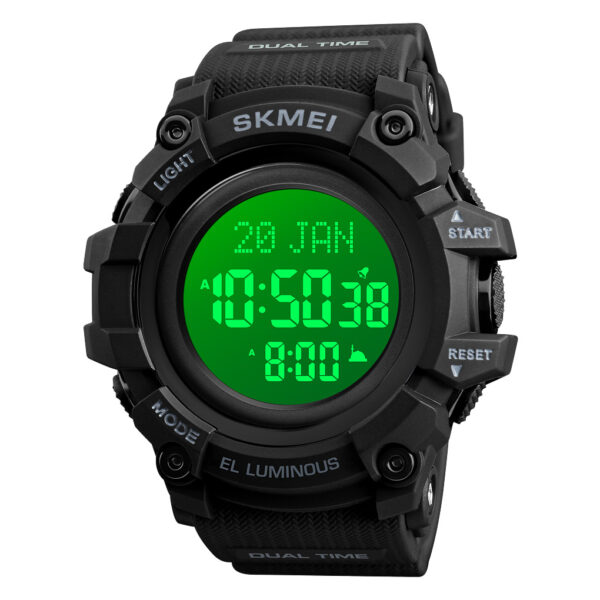
Welcome to the ultimate skmei 1681 setup guide. Whether you are configuring the calendar or measuring ambient conditions, understanding the functionality of your timepiece is essential. Below is the complete and professional manual to help you navigate all features seamlessly.
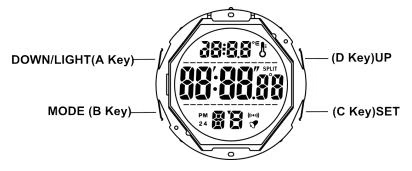
Key Features
- Time perpetual calendar function. Time limit: Jan. 1th, 2000 to Dec. 31th 2099, 12/24 hour option; Week: English language, automatically displayed.
- Alarm function. Alarm time: 20 seconds.
- Hourly time signal function.
- Stopwatch function: Maximum to: 23:59’59”.
- Countdown function: Maximum to: 24:00’00”.
- Automatically detect the ambient temperature and wrist temperature.
- Detect human body temperature.
- 7 groups of historical temperature data query.
- LED EL backlight.
Function Instructions
- In time mode, press B key switch to following modes: Time mode -> Alarm mode -> Countdown mode -> Stopwatch mode.
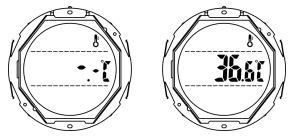
- Detect Body Temperature mode.
- In time mode, Press D key two times to switch to fast detecting temperature mode, wait 20 seconds, get the latest date, press B key to return to time mode.
- Remarks: Wear watch for ten minutes before detecting your body temperature.
Time Mode
- Press C key to setting modes: date-Ambient temperature.
- Press and hold C key for 2 seconds to enter time setting state.
- Press B key to setting items: seconds -> hour -> minute -> year -> month -> day -> Power saving function -> temperature unit C / F (C stands for Celsius, F stands for Fahrenheit).
- At time setting state, press A key to switch 12/24 hours, press D key to exit the setting.
- Press D key to adjust setting, holding D key can quickly adjust.
- Adjust the year, month, and day. After exiting the setting, the week will be automatically updated.
- In time setting state, no key operation for 2-3 minutes, automatically exit the setting state and return to the time display mode.
- Turn on power saving function, the screen will automatically turn off without key operation in 10 minutes, and press any key to wake up the display.
Alarm Mode
- In time mode, press B key to enter alarm mode.
- In alarm mode, press D key to quickly turn on / off the alarm and the hourly time signal.
- In alarm display mode, it will not automatically return to the time display mode without key operation.
- Press and hold C key for 2 seconds to enter the corresponding alarm setting state. Under setting state, press B key to setting: hour -> minute -> month -> day, short press C key to exit and save setting (the red part in the picture represents flashing).
- Enter the alarm setting state, automatically turn on the alarm, display the alarm icon.
- Press D key to adjust the setting item, holding D key can quickly adjust.
- No key operation for 2-3 minutes, automatically exit the alarm setting state and return to the alarm display mode.
- When reach the alarm time, the alarm icon flashing, 20 seconds alarm sounds, and BIBIBIBI sounds four times per second.
Countdown Mode
- In time mode, press B key two times switch to countdown interface, display countdown: 00:00.00.
- Press and hold C key for 2 seconds enter countdown setting status, press B key to setting items: hour -> minute, and press C key to exit setting.
- Short press D key to adjust setting, holding D key can quickly adjust.
- Press C key to turn on / off the automatic repeat function.
- In the countdown setting state, no key operation for 2-3 minutes, automatically exit the setting state and return to the countdown mode.
- Press D key to start / pause countdown. The countdown starts and the icon flashes. Stop countdown, icon disappears.
- The countdown is paused, the icon disappears, press C key to return to display the countdown setting.
- The countdown ends, display 00:00.00, the icon continue flashing, 10 seconds alarm sounds, press any key to stop the alarm, and return to countdown setting.
- In countdown mode, without key operation, it will not automatically return to time display mode.
Stopwatch Mode
- In time mode, press B key three times to switch to the stopwatch mode and display the initial value of the stopwatch: 00:00’00″00.
- Press D key to start / pause running seconds, press C key to start SPL. When the stopwatch is paused, press C key to clear.
- When the stopwatch reaches the maximum value (23:59’59″99), there is no alarm prompt, continue to start the stopwatch from 00’00″00.
About ITSKMEI
ITSKMEI is an established and globally recognized SKMEI watch distributor. We specialize in providing a vast catalog of authentic, high-quality digital and analog timepieces directly to retailers, wholesalers, and dedicated watch enthusiasts. With a firm commitment to product excellence, comprehensive documentation, and reliable global shipping, ITSKMEI stands as your most trusted B2B partner for sourcing competitive inventory in the modern watch market.
Conclusion
Configuring your new timepiece is a straightforward process when you follow this skmei 1681 setup guide. By mastering these operational modes, you can fully utilize all the temperature tracking and timing features this exceptional model offers. Are you ready to expand your retail collection with highly functional watches? Shop our premium inventory and contact ITSKMEI today to request a quote and discover our exclusive wholesale pricing!