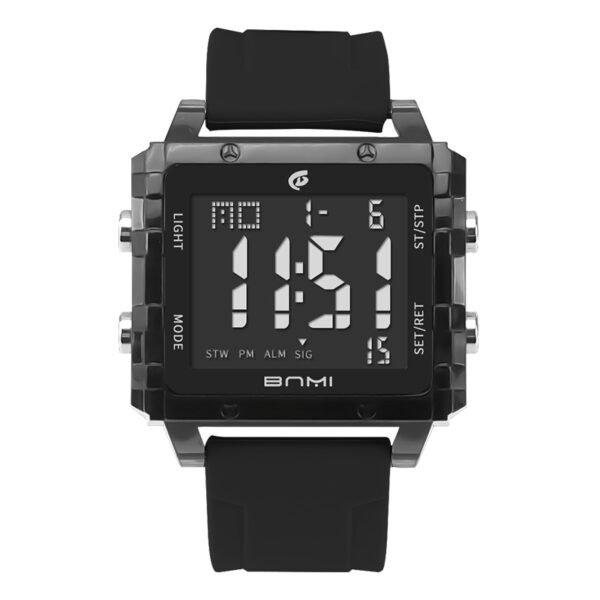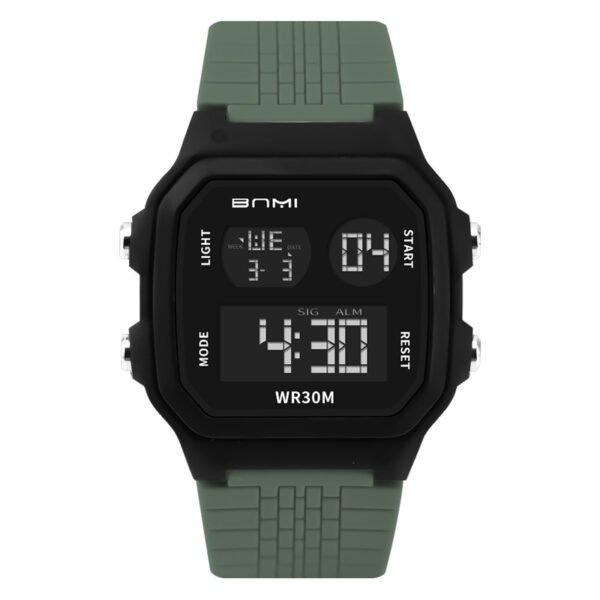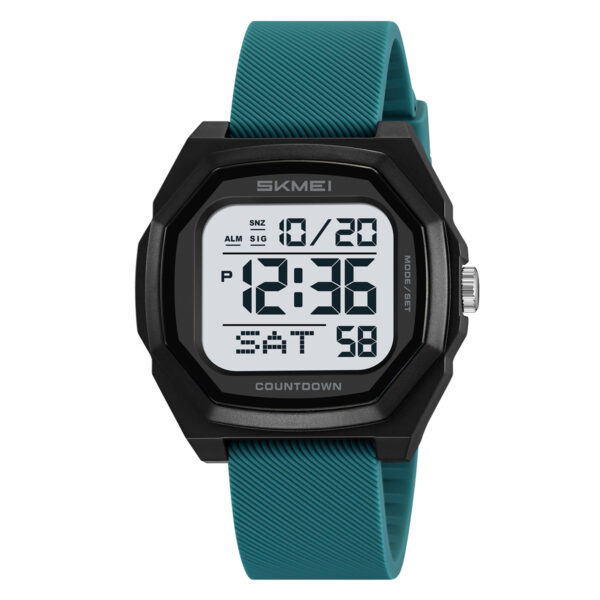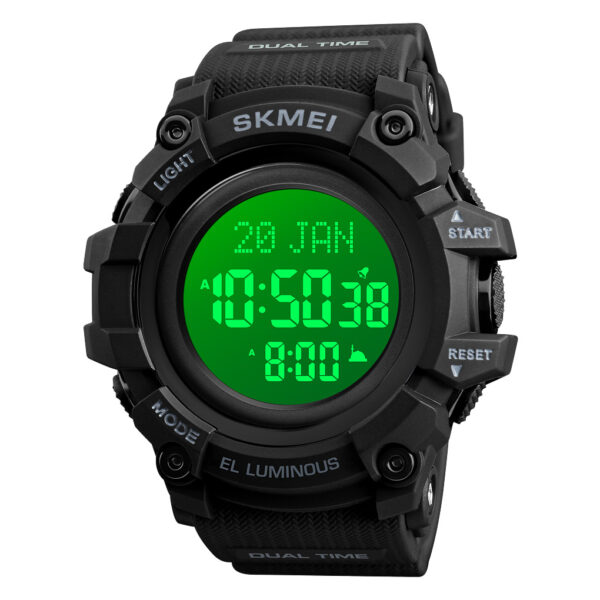
The SKMEI 1775 is more than just a digital timepiece; it is a rugged tool designed for those who demand durability and precision. However, a tool is only as good as its configuration. This tutorial goes beyond the basic manual to help you optimize your SKMEI 1775 setting guide experience, ensuring every feature – from the split-second chronograph to the dual-format clock – is ready for action.
Interface Overview: Navigating the Quad-Button System
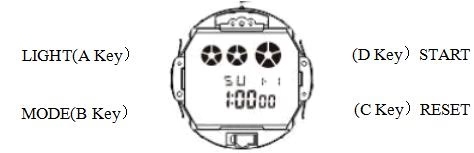
To command your watch, you need to master the “Four Corners.” Each button serves a specific role in the programming sequence:
- Top Left (A): The EL Backlight for low-light visibility.
- Bottom Left (B): The Mode Switcher (The “Brain” of the watch).
- Bottom Right (C): The Reset and Data Selector.
- Top Right (D): The Start/Stop and Value Adjuster.
Advanced Programming Techniques
Customizing Time, Calendar, and 24H Formats
Properly calibrating your skmei 1775 setting guide involves a specific sequence to ensure the auto-calendar and time sync are perfect:
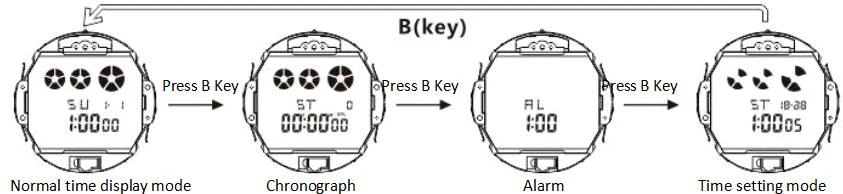
- Enter Programming: Press Key B three times from the main screen until the seconds pulse.
- Zero Out: Hit Key D to sync your seconds to a reference clock.
- The Selection Loop: Tap Key C to move through Hours, Minutes, Months, Dates, and Weekdays.
- Value Adjustment: Use Key D to advance numbers.
- Finalize: Press Key B to lock in your settings.
Pro Tip: Watch for the “H” icon for military time (24-hour) or “A/P” for standard 12-hour cycles.
Harnessing the 1/100 Chronograph
For athletes, the chronograph is essential. Access it by pressing Key B once.
- Start/Stop: Use Key D to begin or pause the timer.
- Back-end Running: Pressing Key C while running allows the timer to continue in the background while you view split times.
- Clear: Once stopped, press Key C to return the display to zero.
Managing Daily Alerts and Hourly Chimes
Never miss a deadline by configuring the integrated alarm:
- Navigate to “AL” mode by pressing Key B twice.
- Use Key C to select hours or minutes and Key D to change them.
- Toggle Feature: While in Alarm mode, press Key D to cycle through Alarm On, Chime (SIG) On, or both Off.
Why Source from ITSKMEI?
As a global professional SKMEI watch distributor, ITSKMEI bridges the gap between factory-direct manufacturing and professional retail. We do not just sell watches; we provide a full-service ecosystem including technical support, bulk logistics, and authentic quality assurance. Our mission is to empower businesses with high-performance timepieces that offer unbeatable ROI.
Conclusion
Following this skmei 1775 setting guide ensures your watch performs as hard as you do. Whether you are navigating a trail or managing a busy workday, the 1775 is a reliable companion when set correctly.
Ready for high-volume supply? View the ITSKMEI Catalogue or contact us for a Wholesale Quote